

















iPhone appHomeIn development
Lawnzo
What to do for your lawn, and when.
A lawn-care planner for iPhone: seasonal plans for mowing, watering, seeding and feeding, adjusted to your grass and to the weather, with a work journal and photos.
Noted. Every tap tells us how many people want Lawnzo on Android.
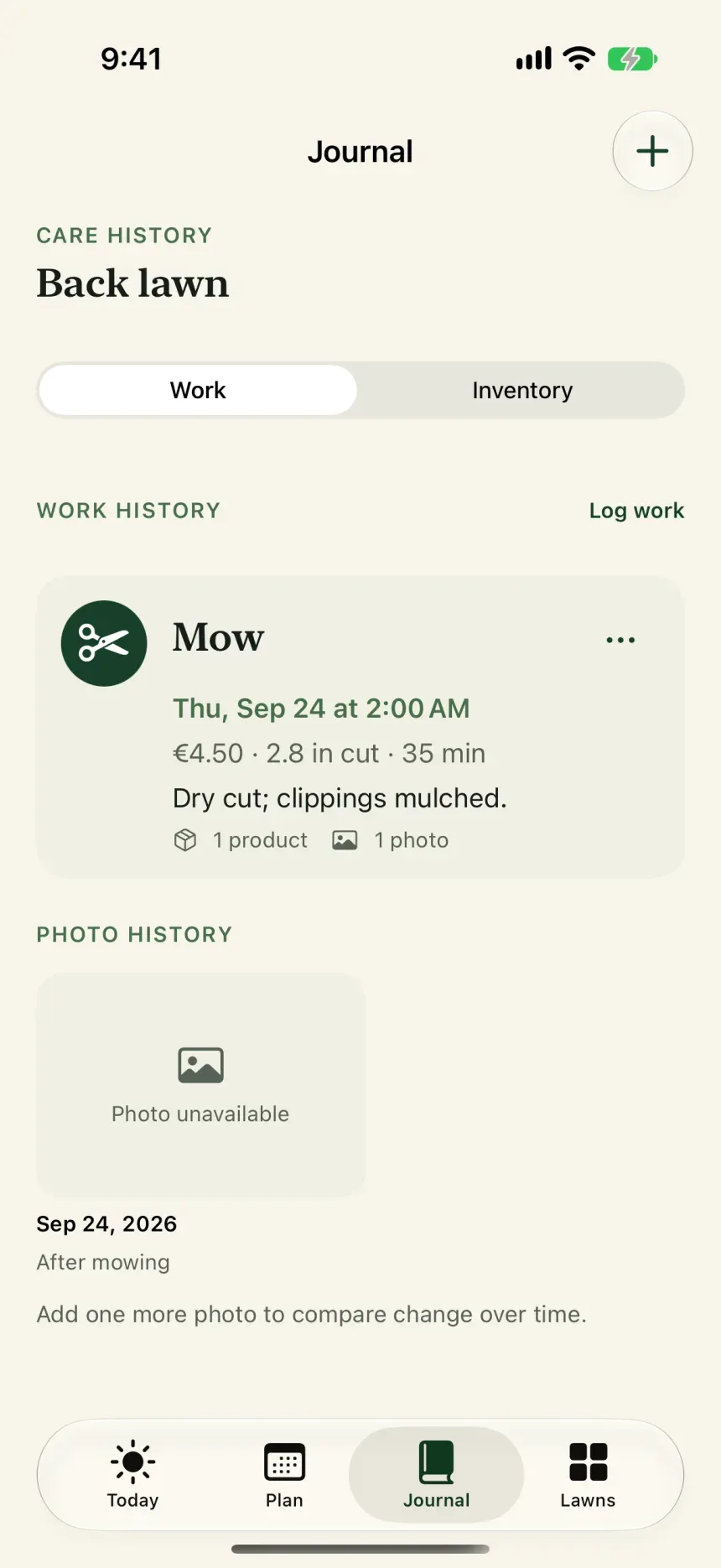
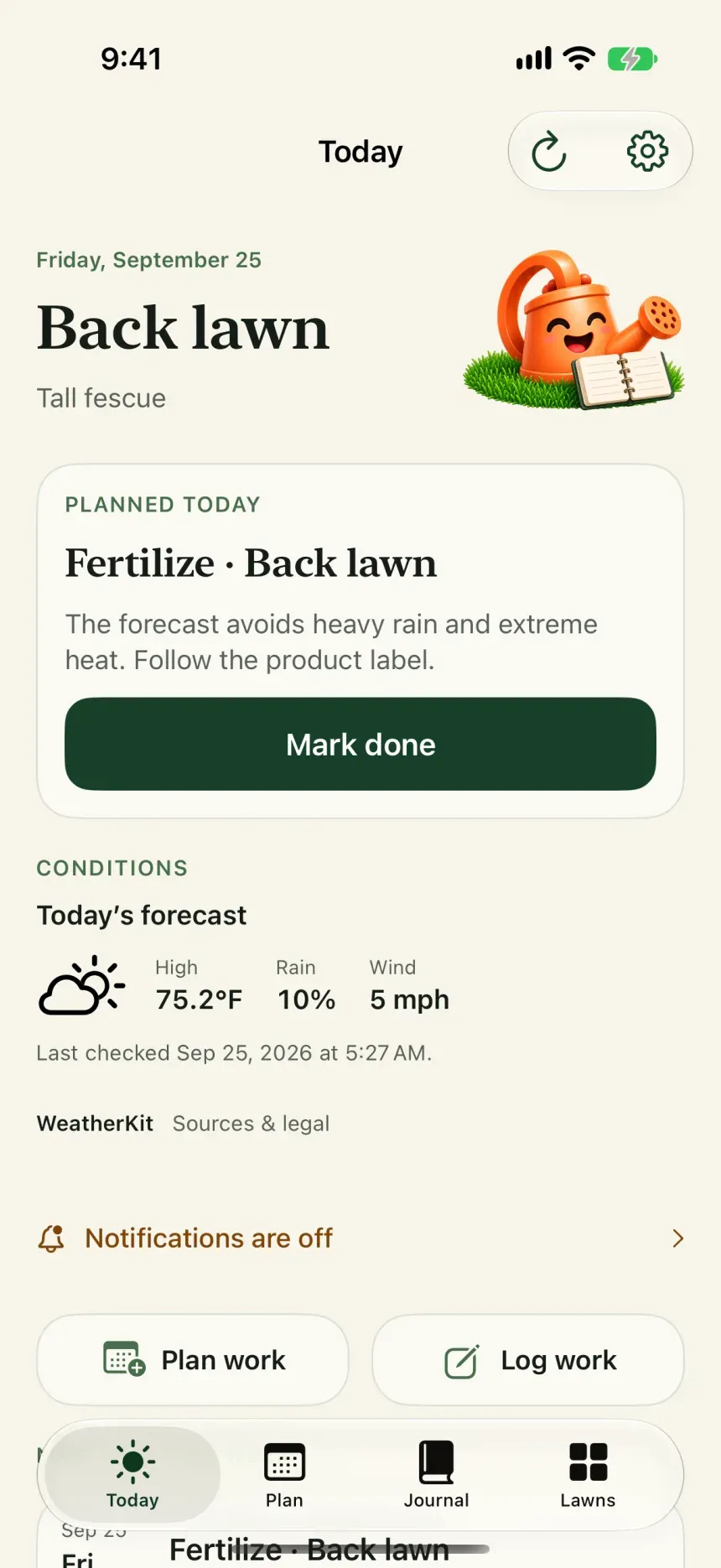
Screenshots
Lawnzo at a glance.
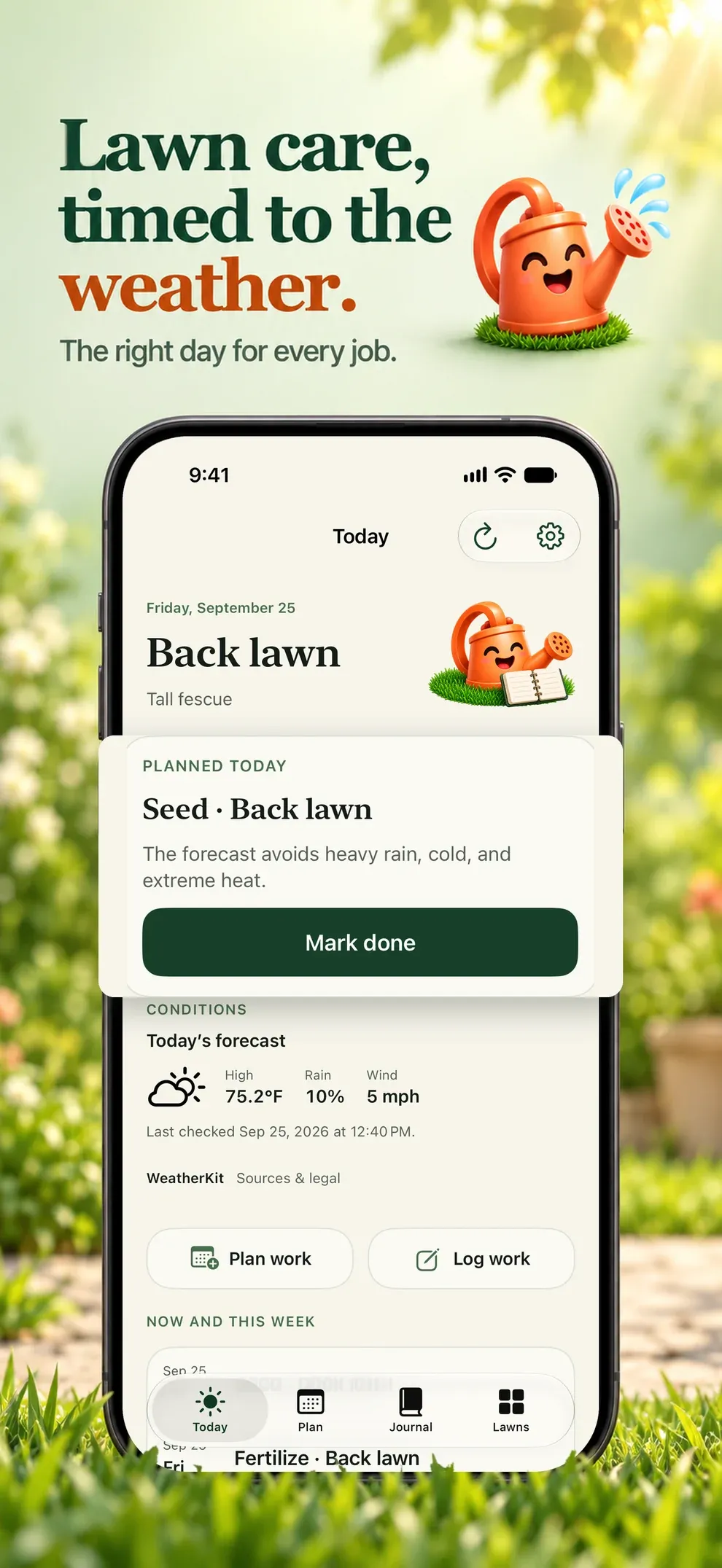
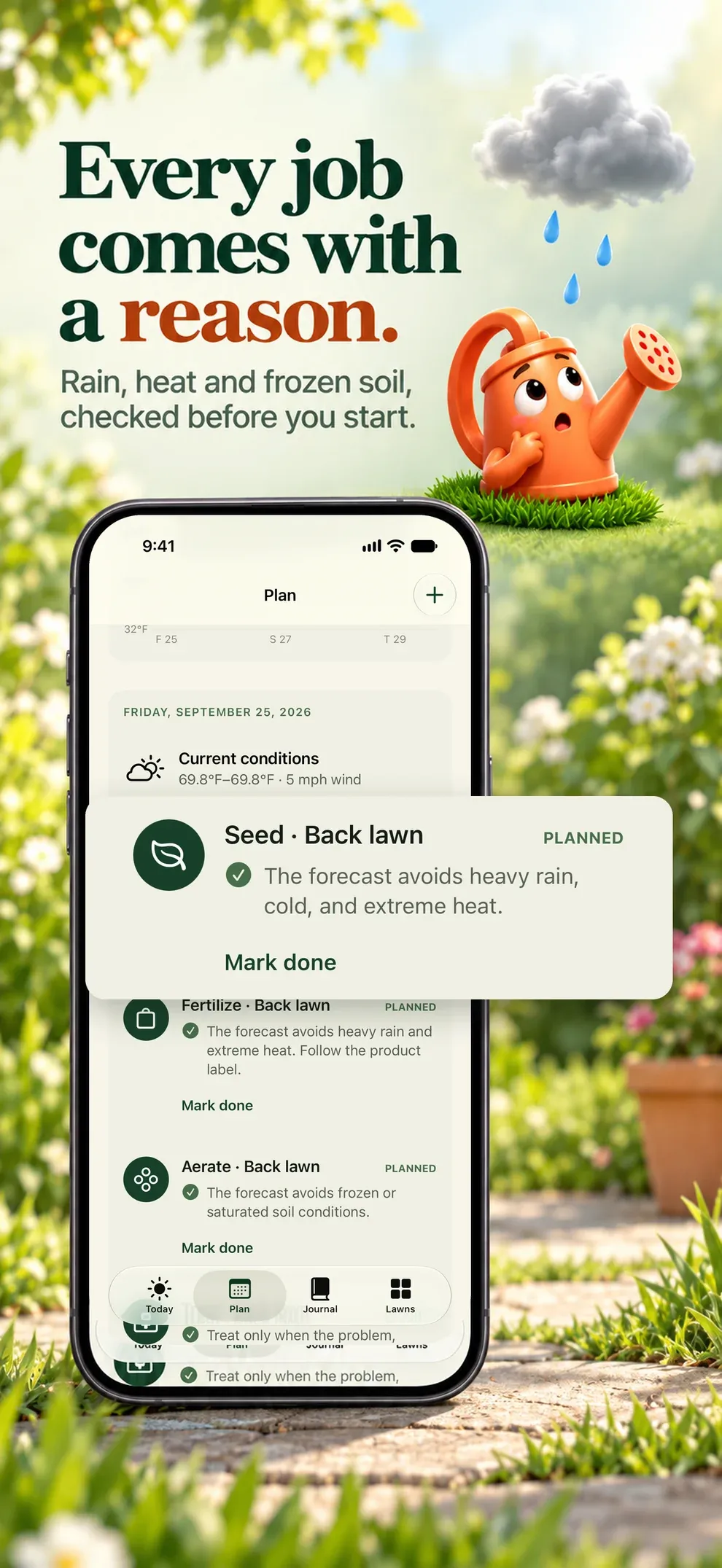
What it does
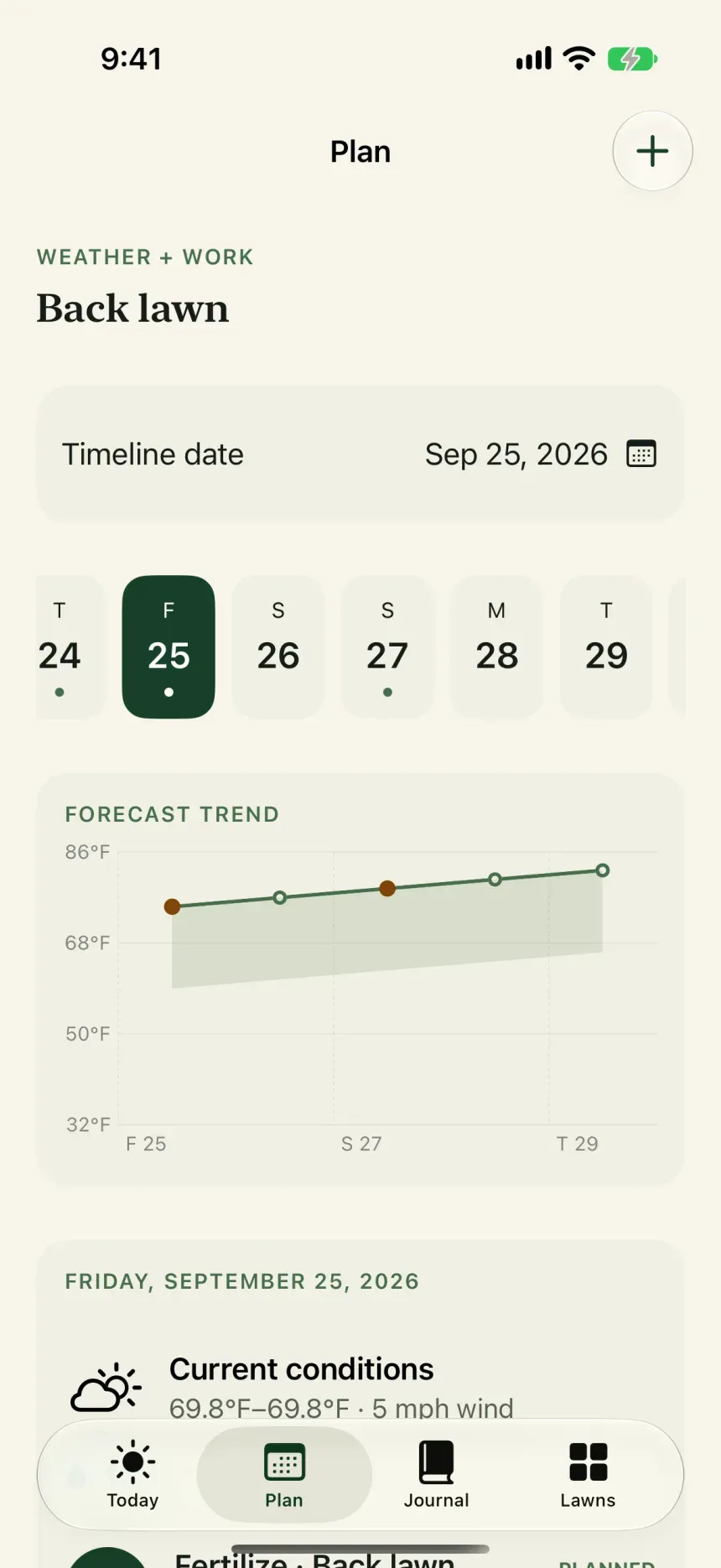
Plans you can understand, weather you can see.
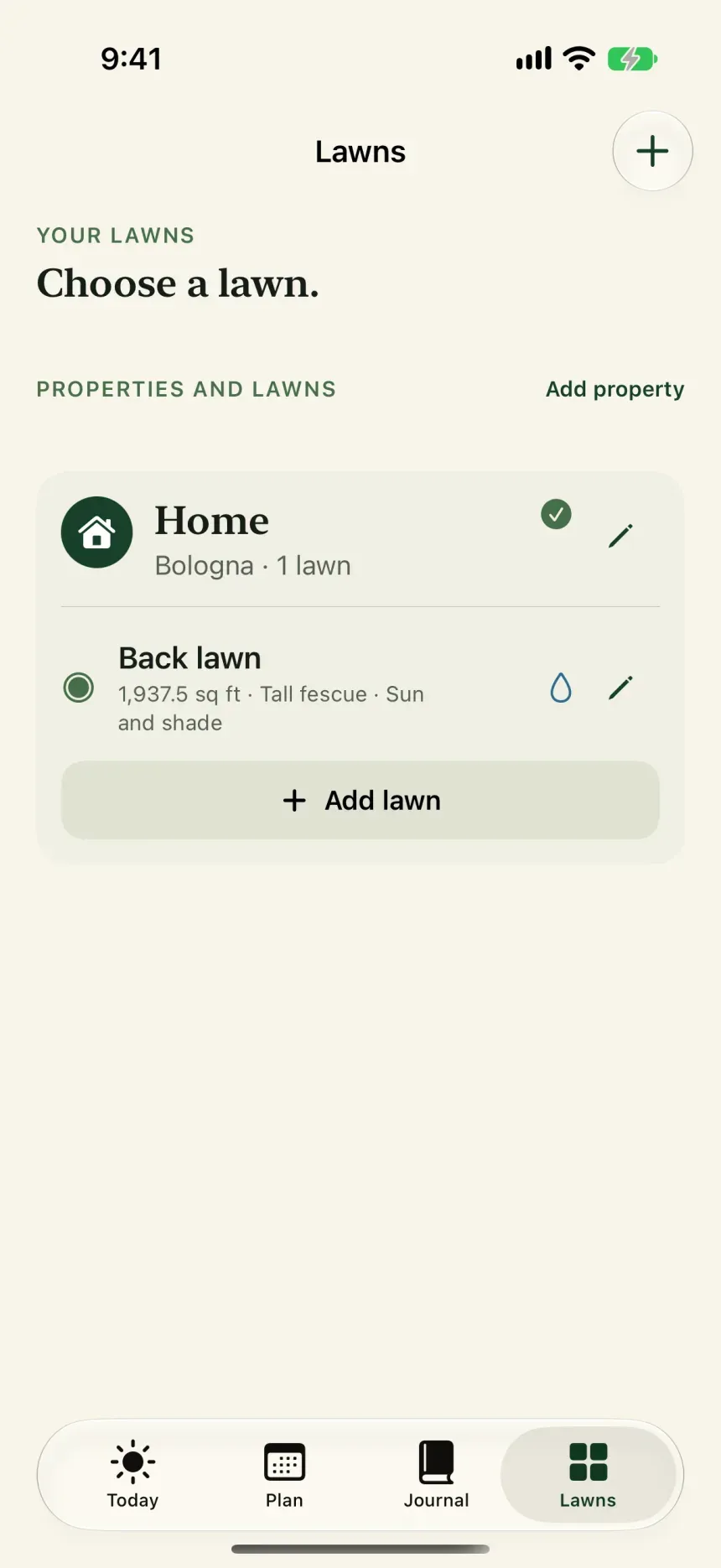
Front, back or a second home, each with area, grass, exposure and irrigation.
Inventory with the rain-free and temperature limits printed on the label.
Notifications rebuilt from the current plan whenever it changes.
Today on the Home Screen, plus PDF and CSV exports.
Outside the app
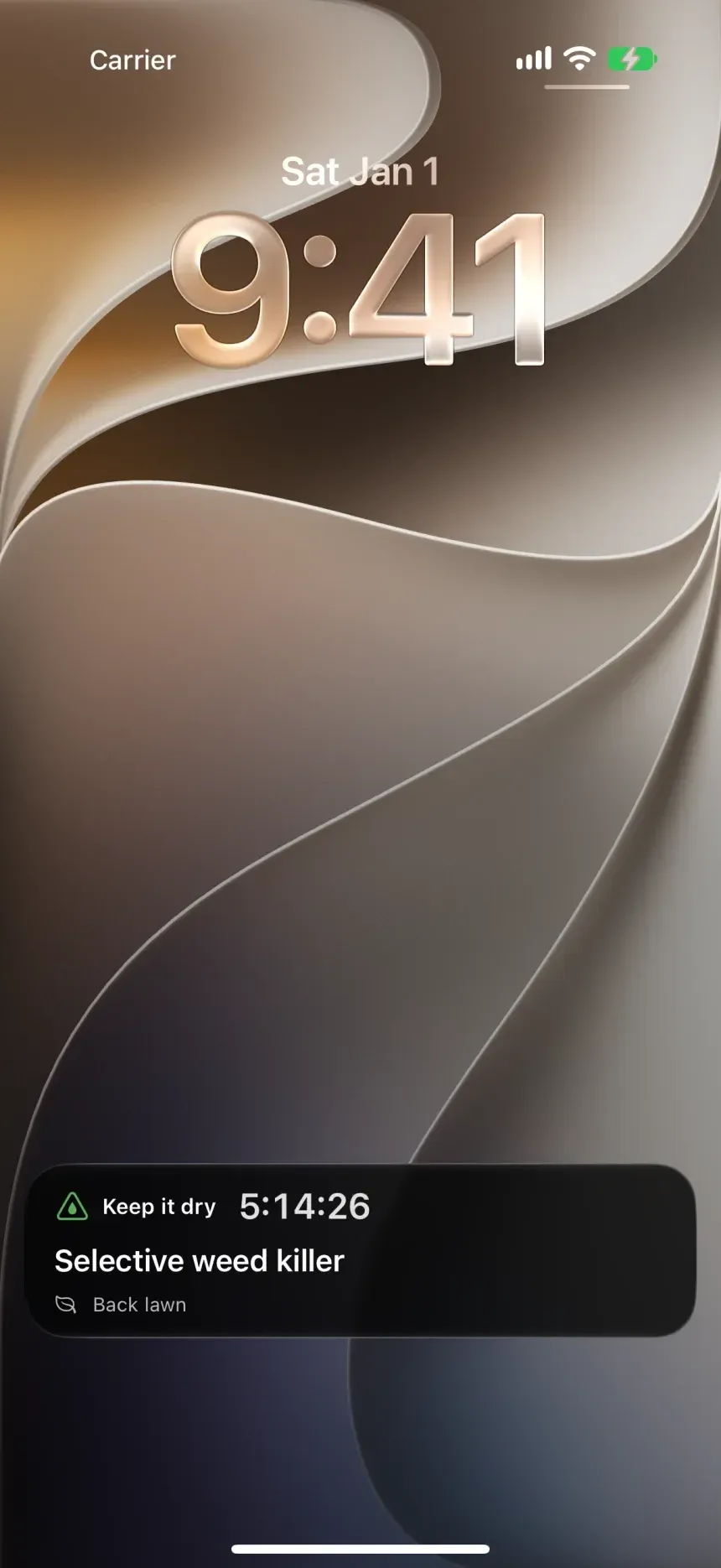
On your Lock Screen and Home Screen.
Lawnzo does not wait for you to open it.
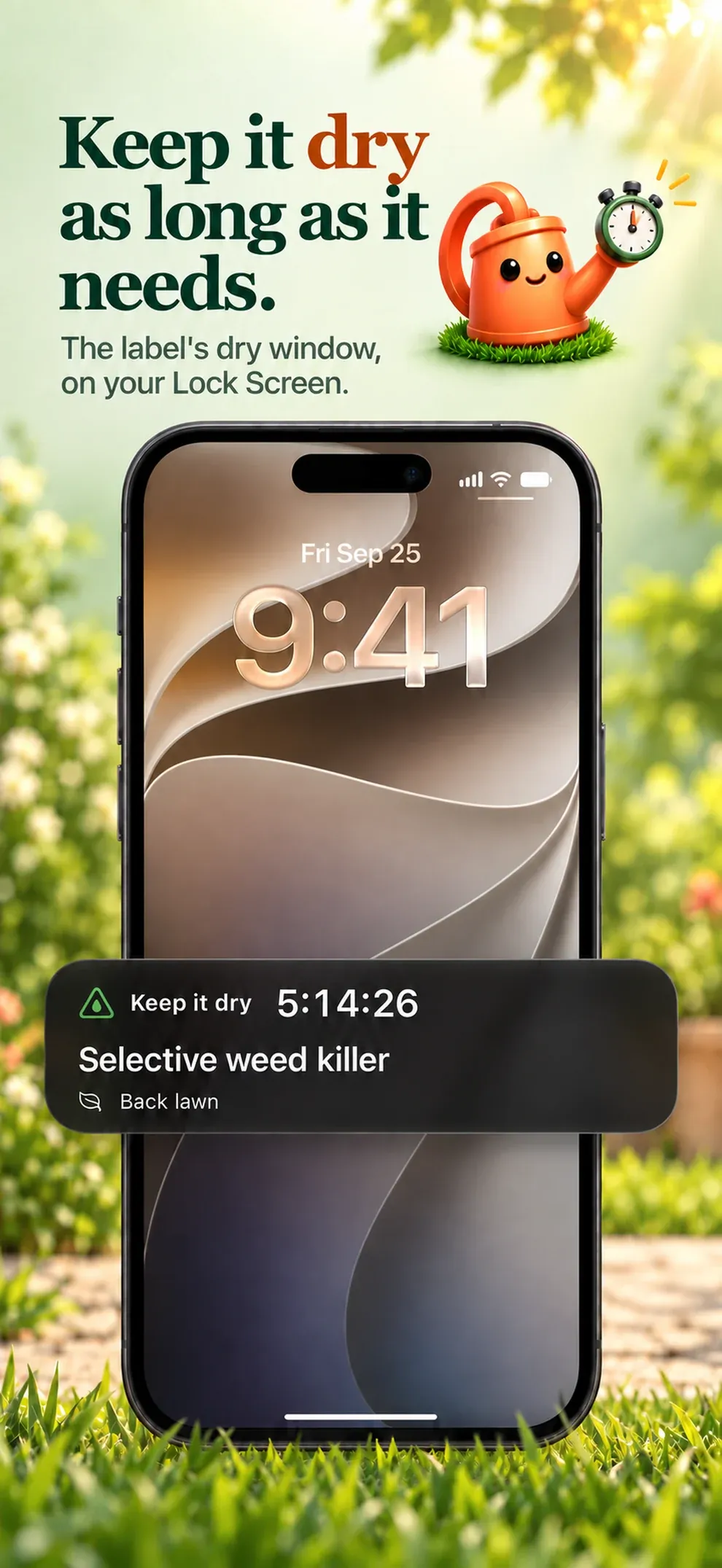
- Live Activity
- The dry window of the last product, counting down.
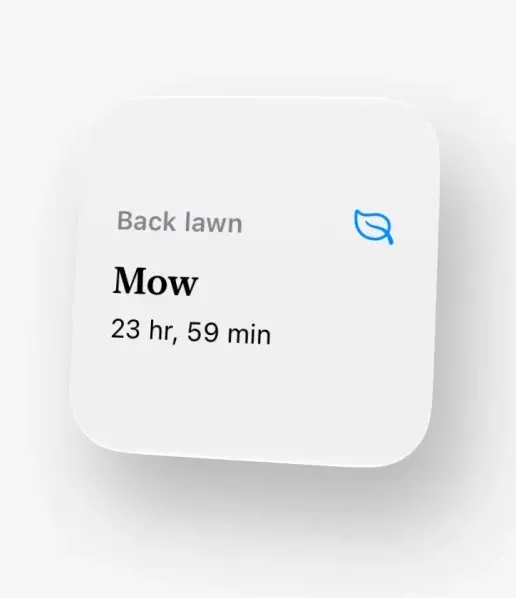
- Widget
- Next lawn task, on the Home Screen.
How it works
How Lawnzo works.
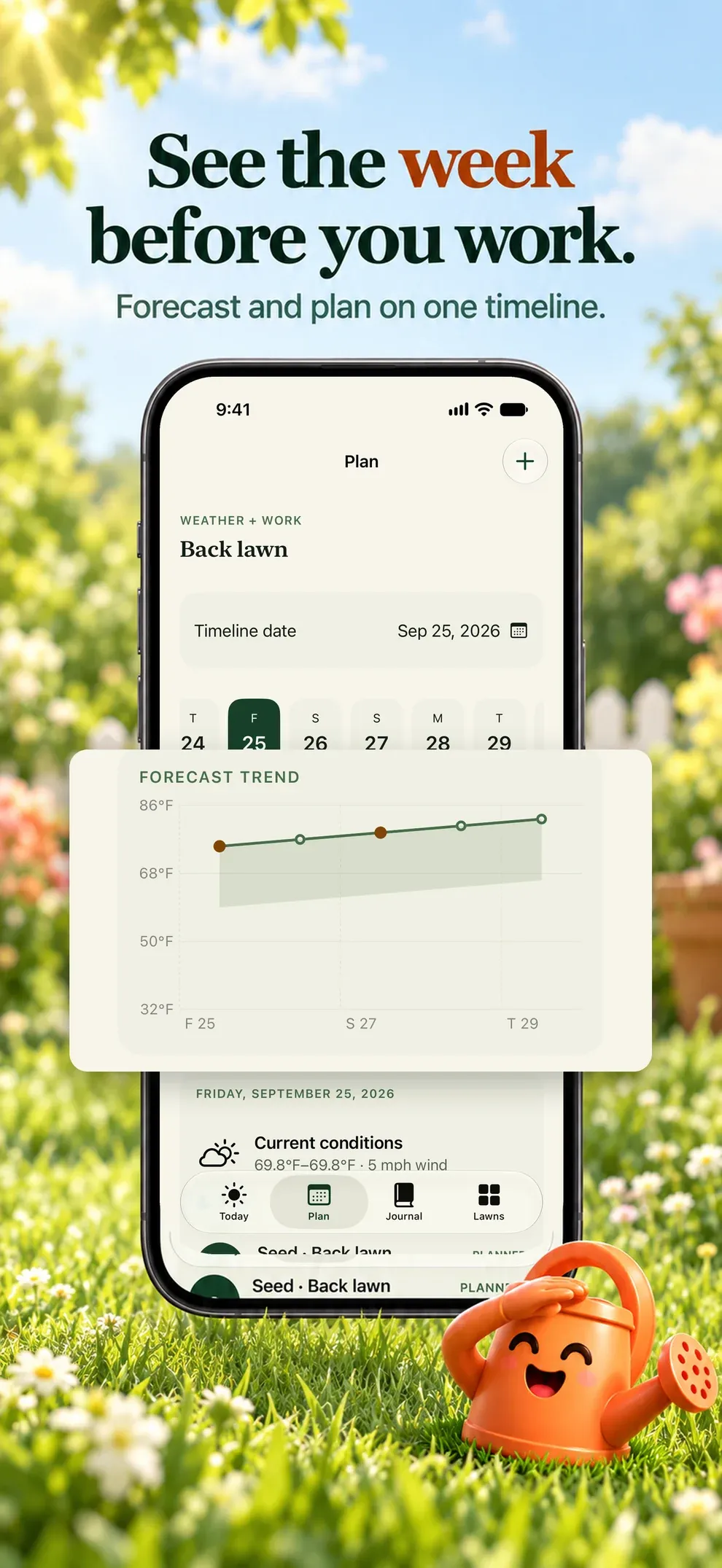
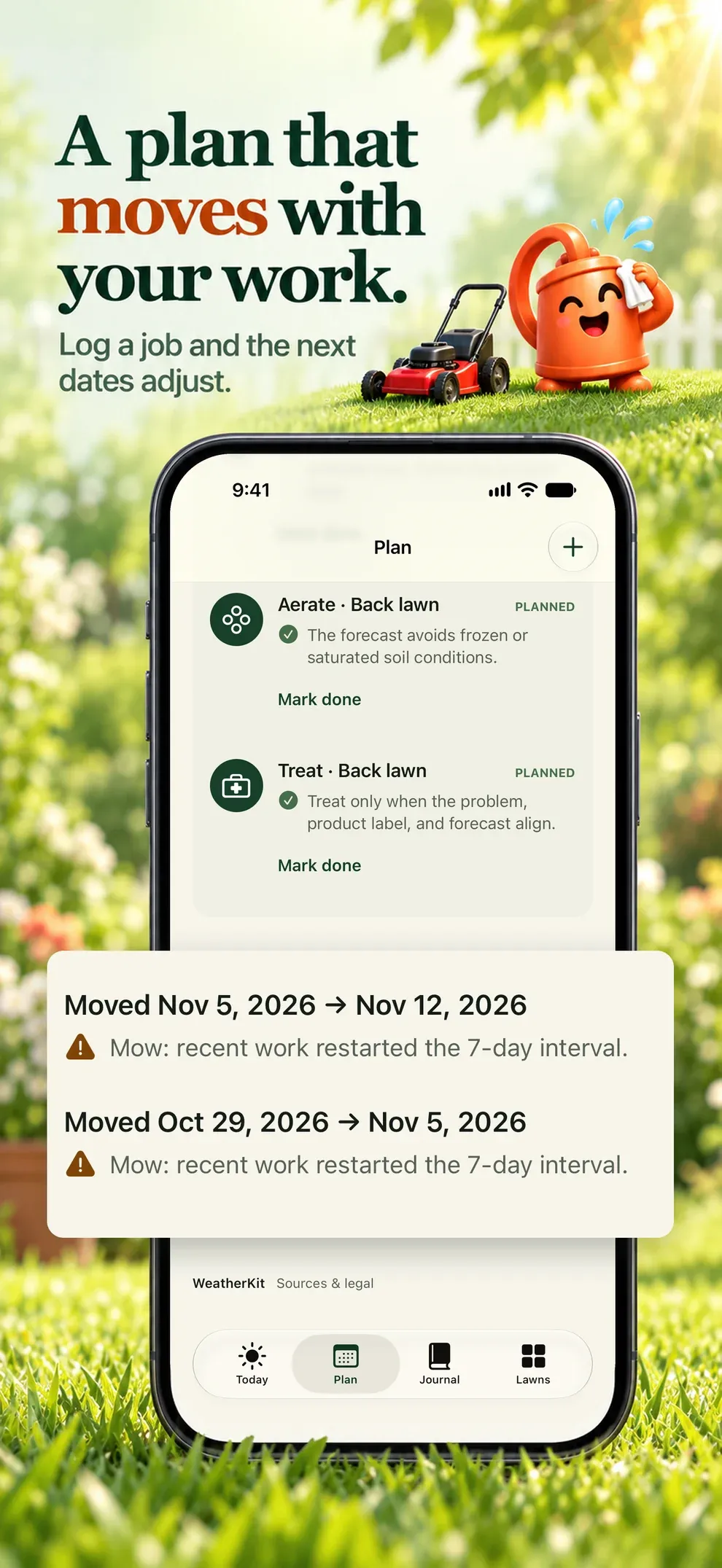
Lawnzo answers one practical question: what should I do, when, and why is this a good window? It builds a seasonal plan from your grass, sun and irrigation, checks each task against the forecast and explains every change.
- 1Plan
A season for each lawn
Mowing, watering, seeding, fertilizing, aerating and weeding for your hemisphere and grass.
- 2Weather
Keep, delay or skip
Forecasts from Apple Weather checked against each task, with the reason shown.
- 3Mow
Height and cadence
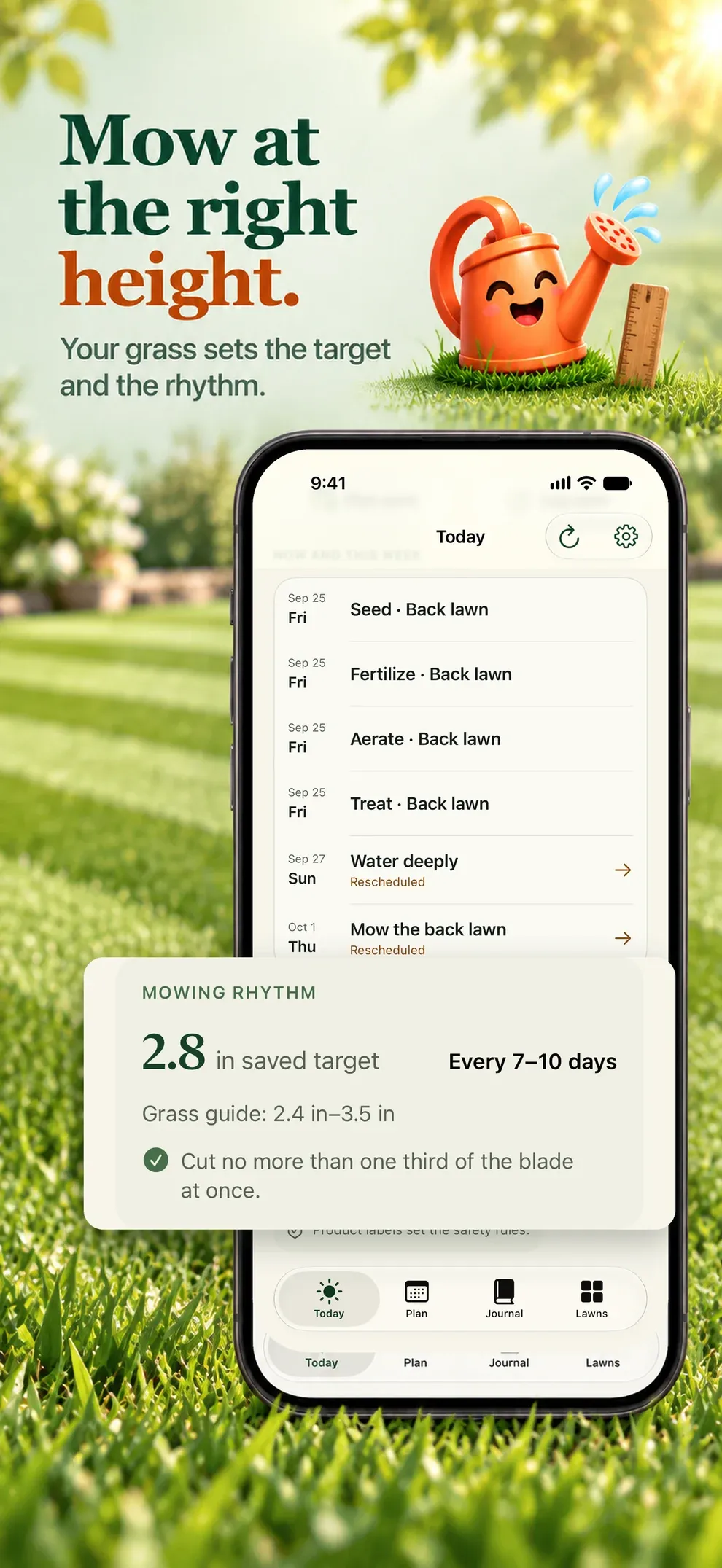
Grass-specific height and the one-third rule, adjusted as you log work.
- 4Remember
Journal and photos
Products, quantities, costs and photos, with side-by-side comparisons.
Your data, plainly
What stays yours.
Lawnzo is local-first: your lawn plans and work journal stays on your iPhone, with optional private iCloud sync. There is no Lucernel account and no Lucernel server holding your records.
| Data | Where it is kept | Who can see it |
|---|---|---|
| Properties, lawns, grass types, seasonal plans, work logs, products, inventory, photos, reminders and settings that you create | Your iPhone, and your private iCloud when sync is on | Only you |
| Purchase status | Apple and RevenueCat | Lucernel sees the subscription status, never your payment details |
| Analytics events | PostHog | Lucernel, without your records and without your name |
| Crash reports | PostHog | Lucernel, to fix the crash |
| Support emails | Lucernel mailbox | Lucernel |

Frequently asked questions
Is Lawnzo on the App Store?
Lawnzo is in development. This page will link to the App Store as soon as it is released.
Does Lawnzo need an account?
Lawnzo has no email-and-password account.
How much does Lawnzo cost?
Lawnzo is available as a weekly subscription, a yearly subscription or a one-time lifetime purchase. Prices and renewal terms are shown in the app before purchase.
Where does Lawnzo store my data?
Lawnzo is local-first: your lawn plans and work journal stays on your iPhone, with optional private iCloud sync. There is no Lucernel account and no Lucernel server holding your records.
How do I get help with Lawnzo?
Email [email protected] or open the Lawnzo support page. Privacy and deletion requests go to [email protected].
Lawnzo
What to do for your lawn, and when.
Noted. Every tap tells us how many people want Lawnzo on Android.

