























Mobile appAnimals
Waxley
Know every hive, every visit.
Noted. Every tap tells us how many people want Waxley on Android.
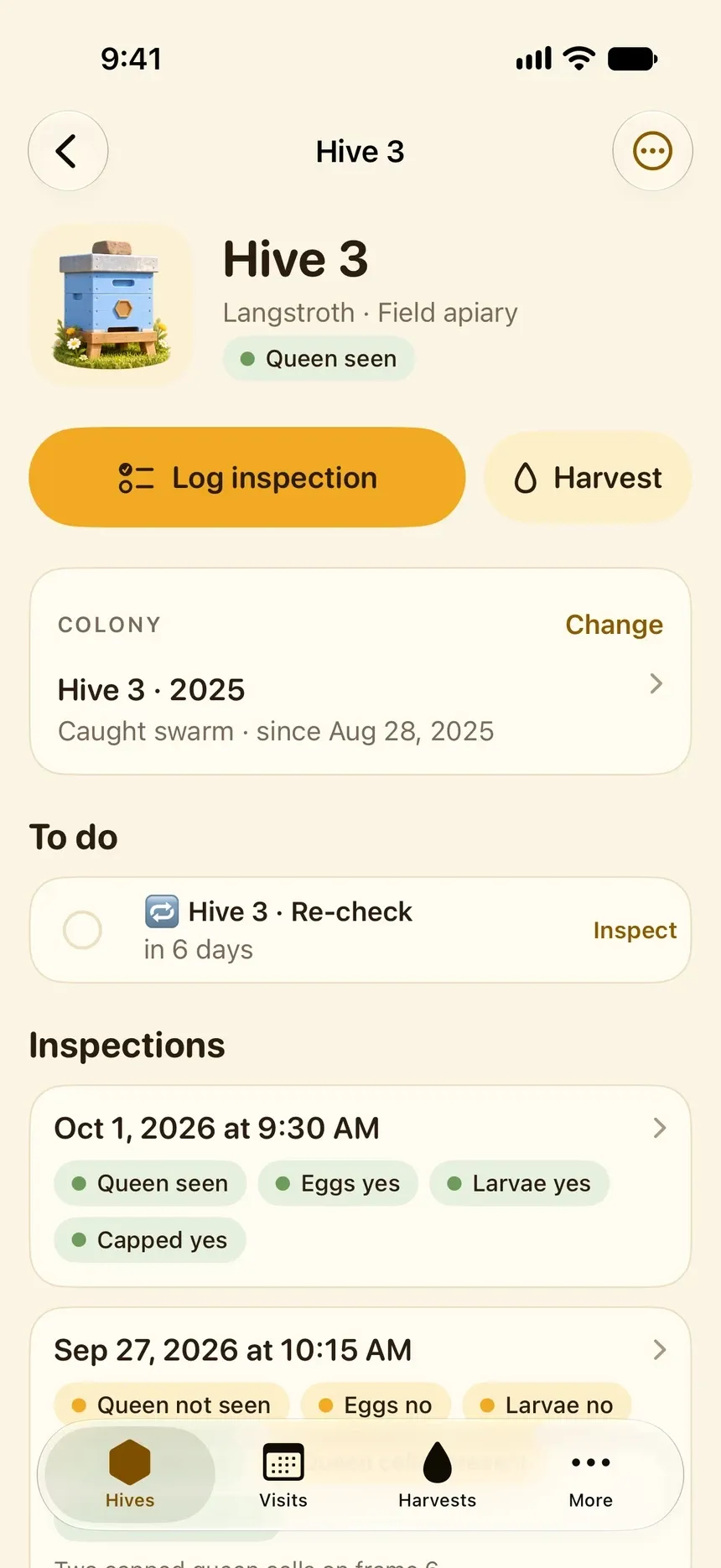
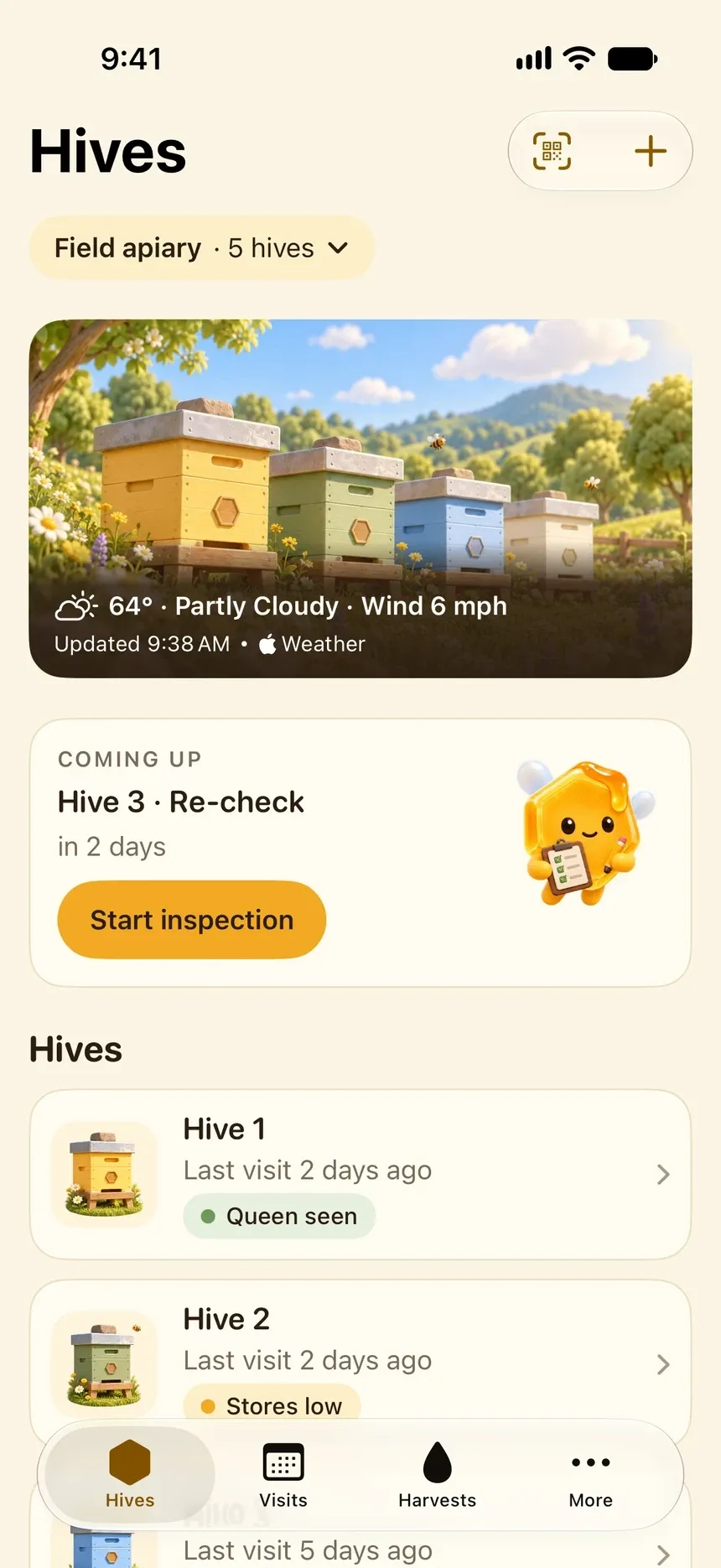
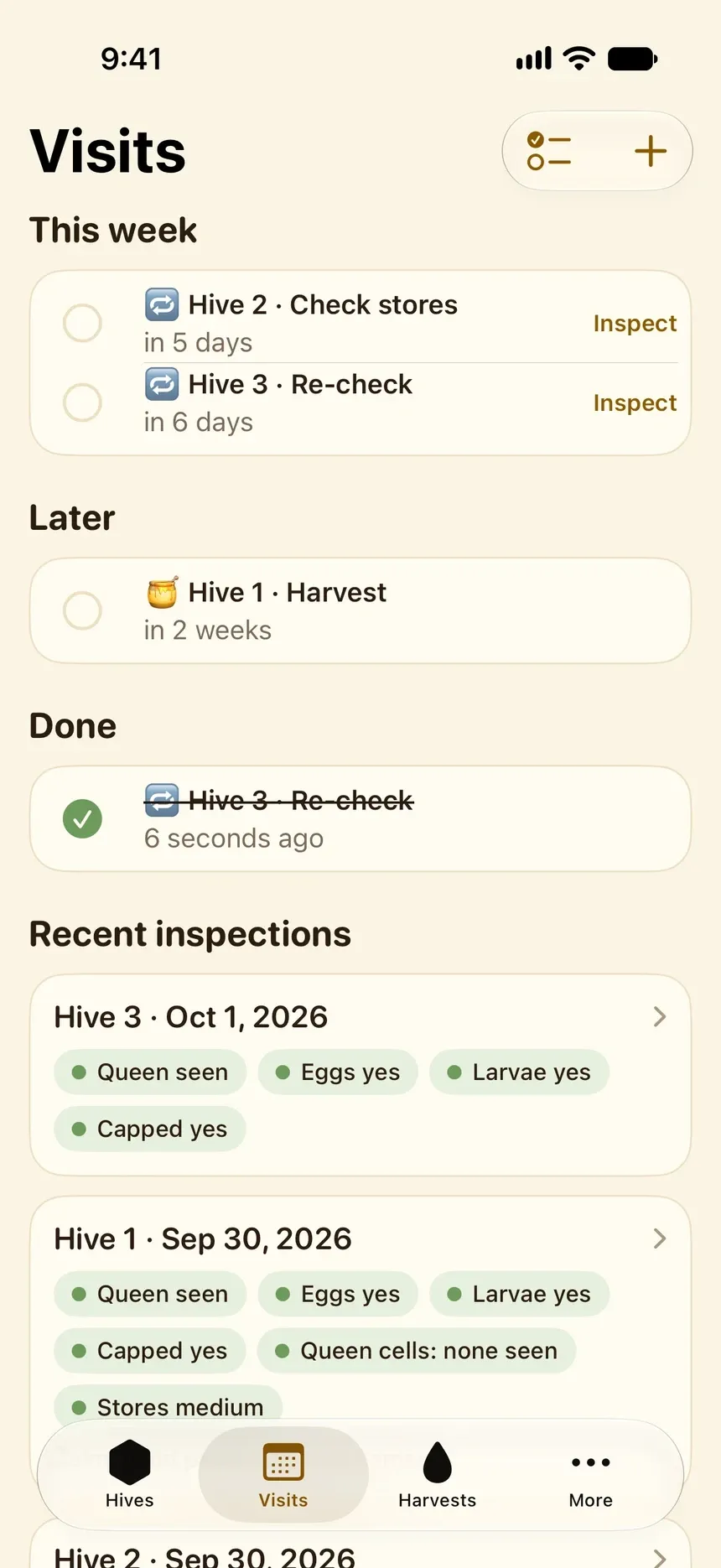
A beekeeping log for iPhone: inspections in a minute, re-checks that remind you, the story of every colony and harvests that add up by hive and by season.
What Waxley does.
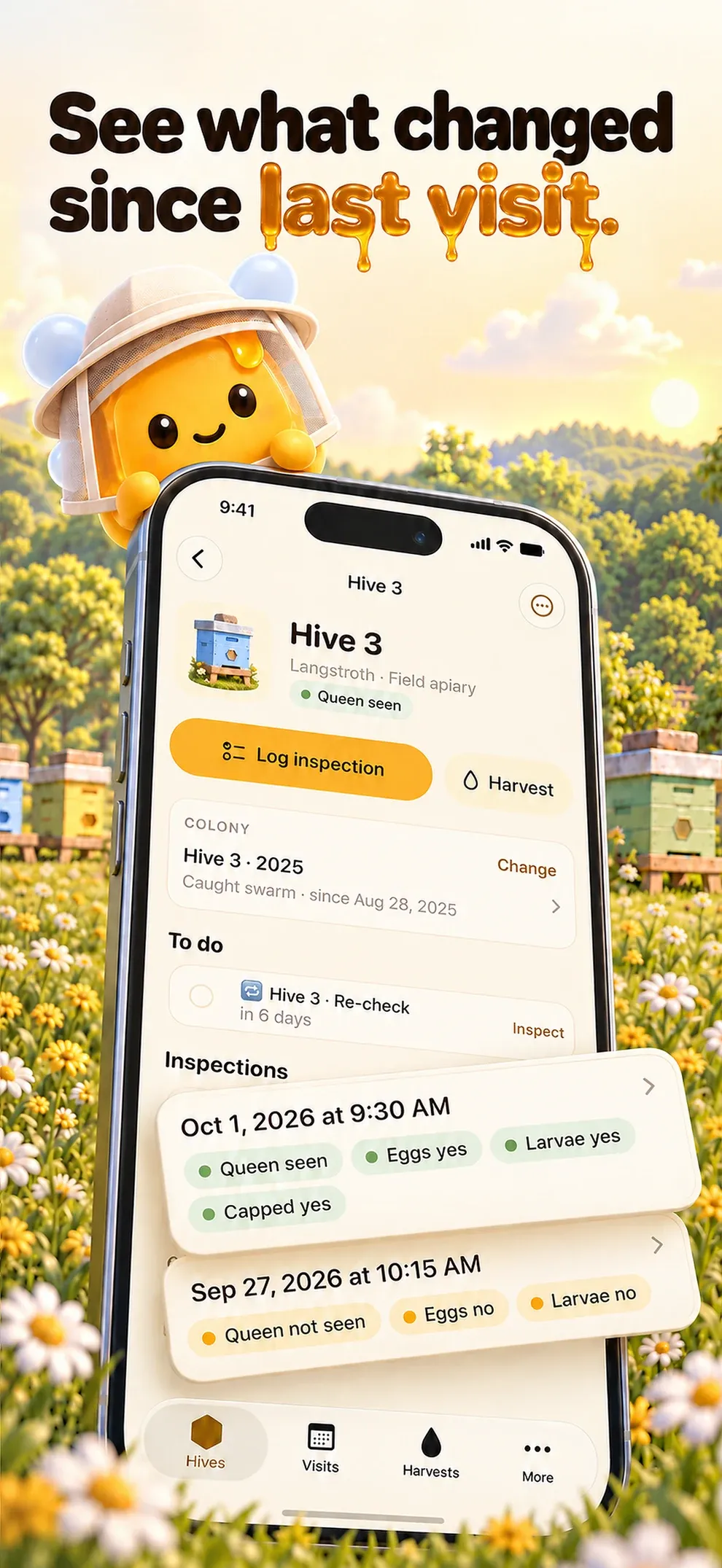
Walk into each visit knowing what changed since the last one.
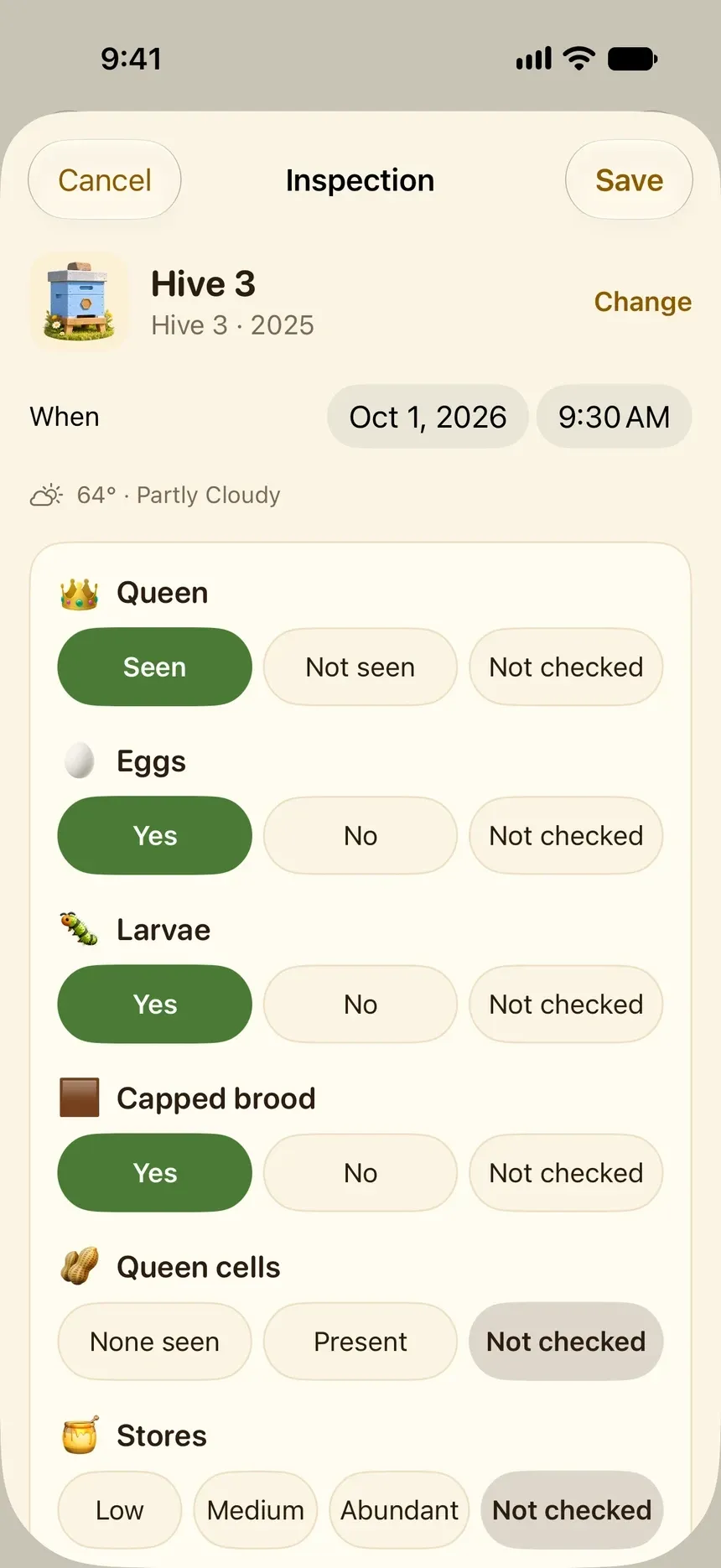
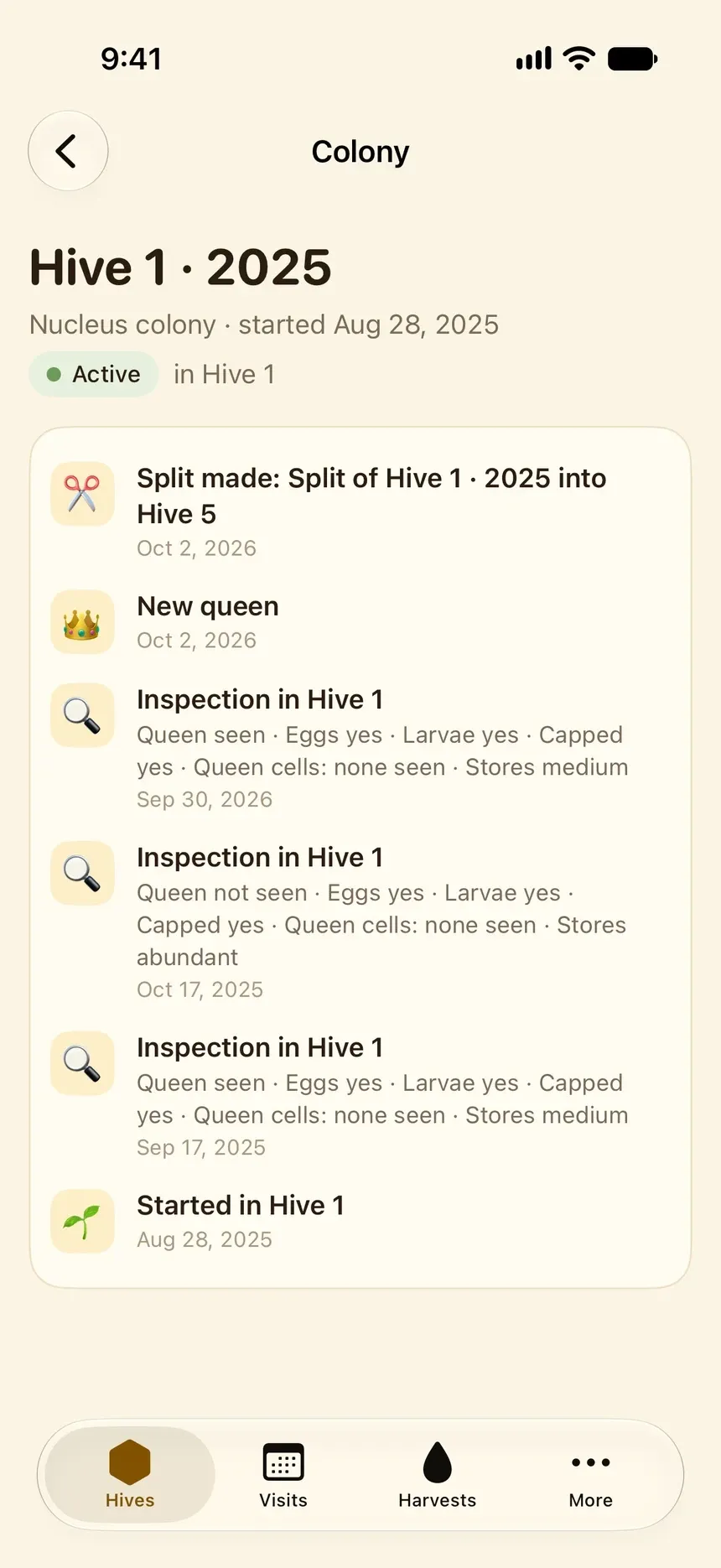
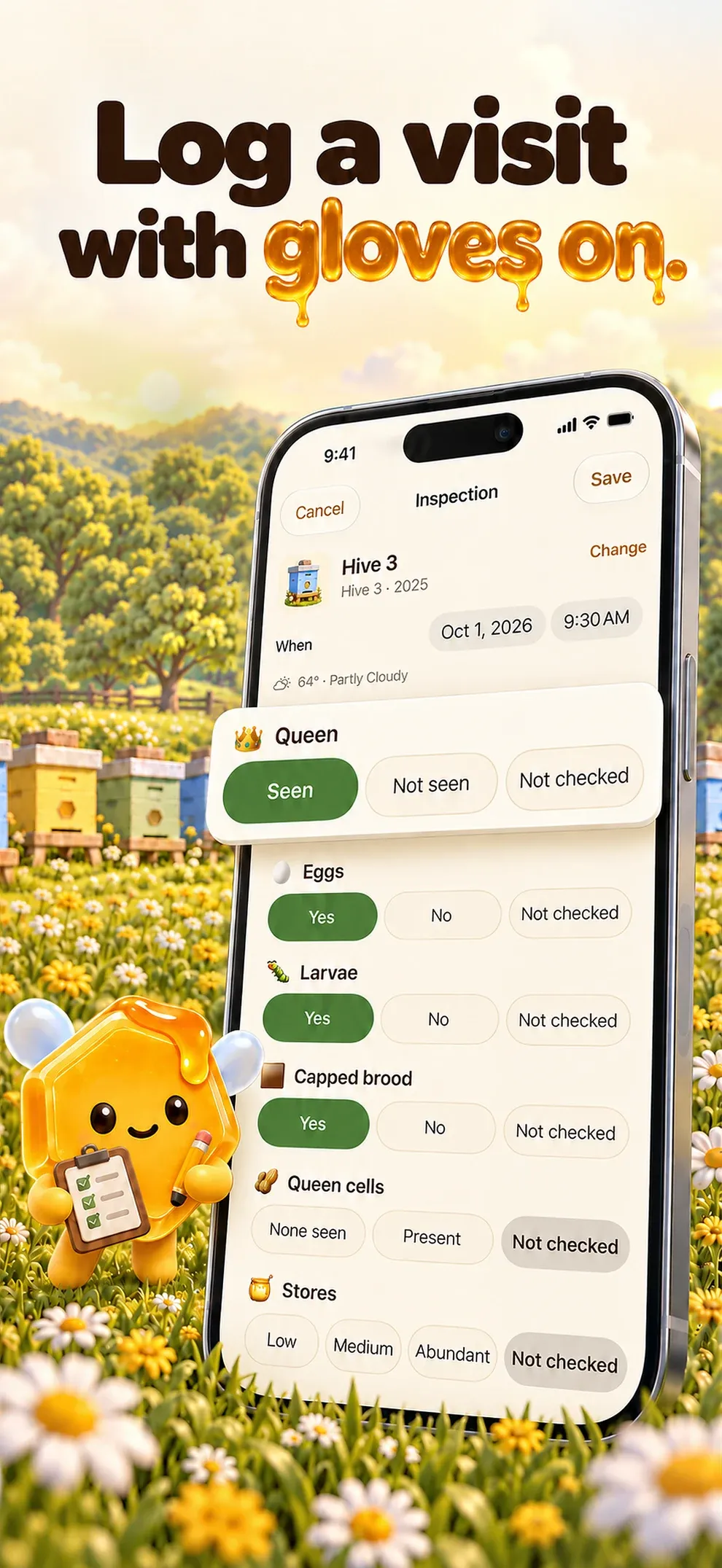
Queen, eggs, larvae, capped brood, queen cells and stores in big buttons, with "Not seen" kept apart from "Not checked".
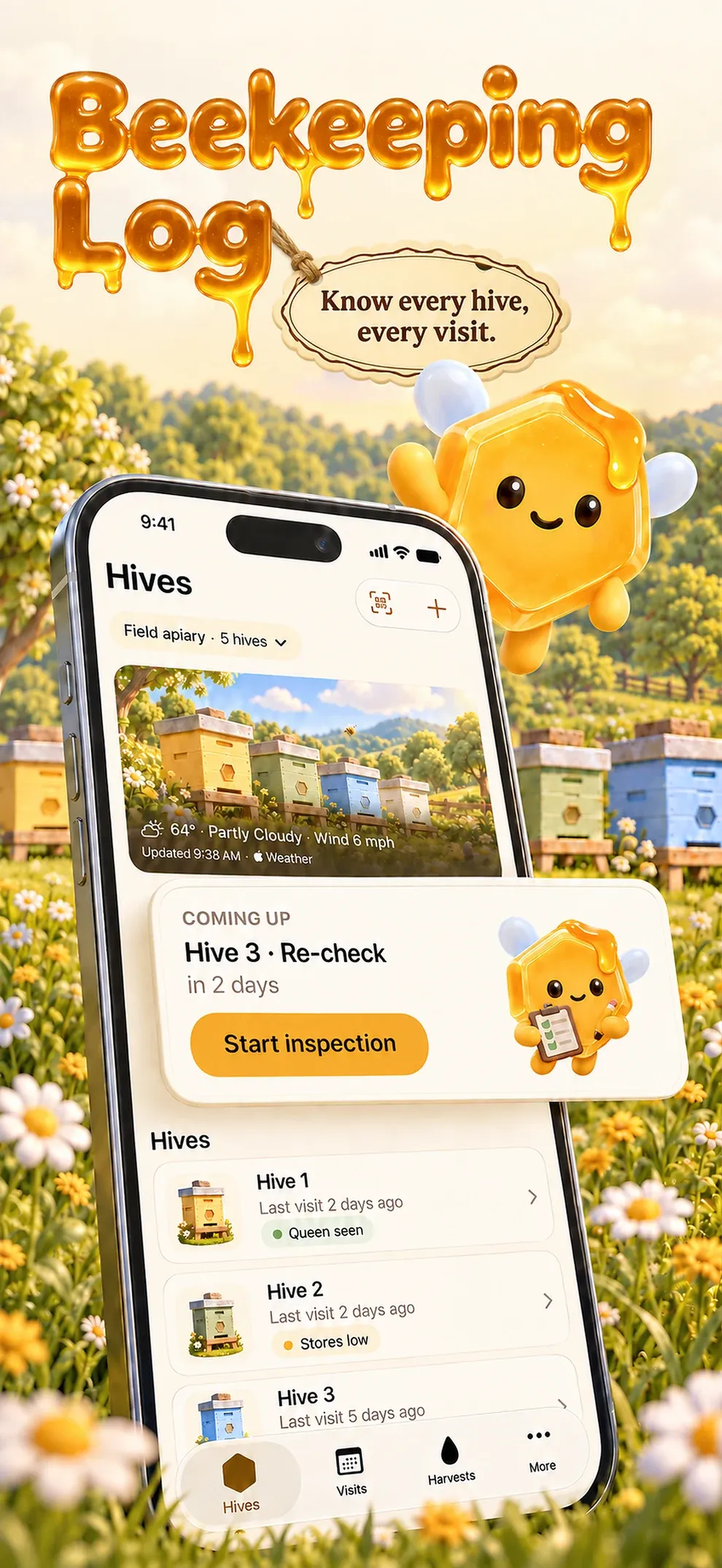
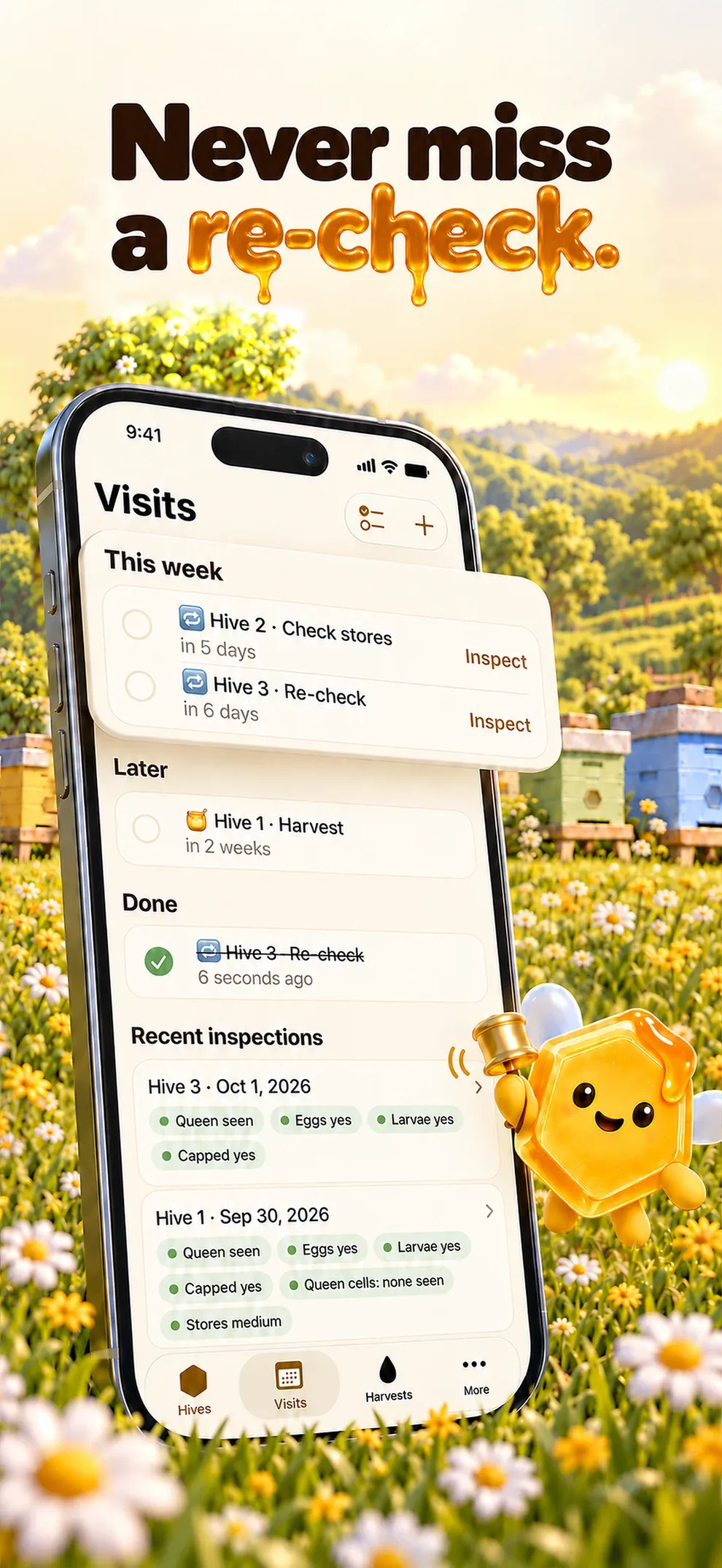
Set a re-check at the end of a visit and get a reminder at the time you choose, hive by hive.
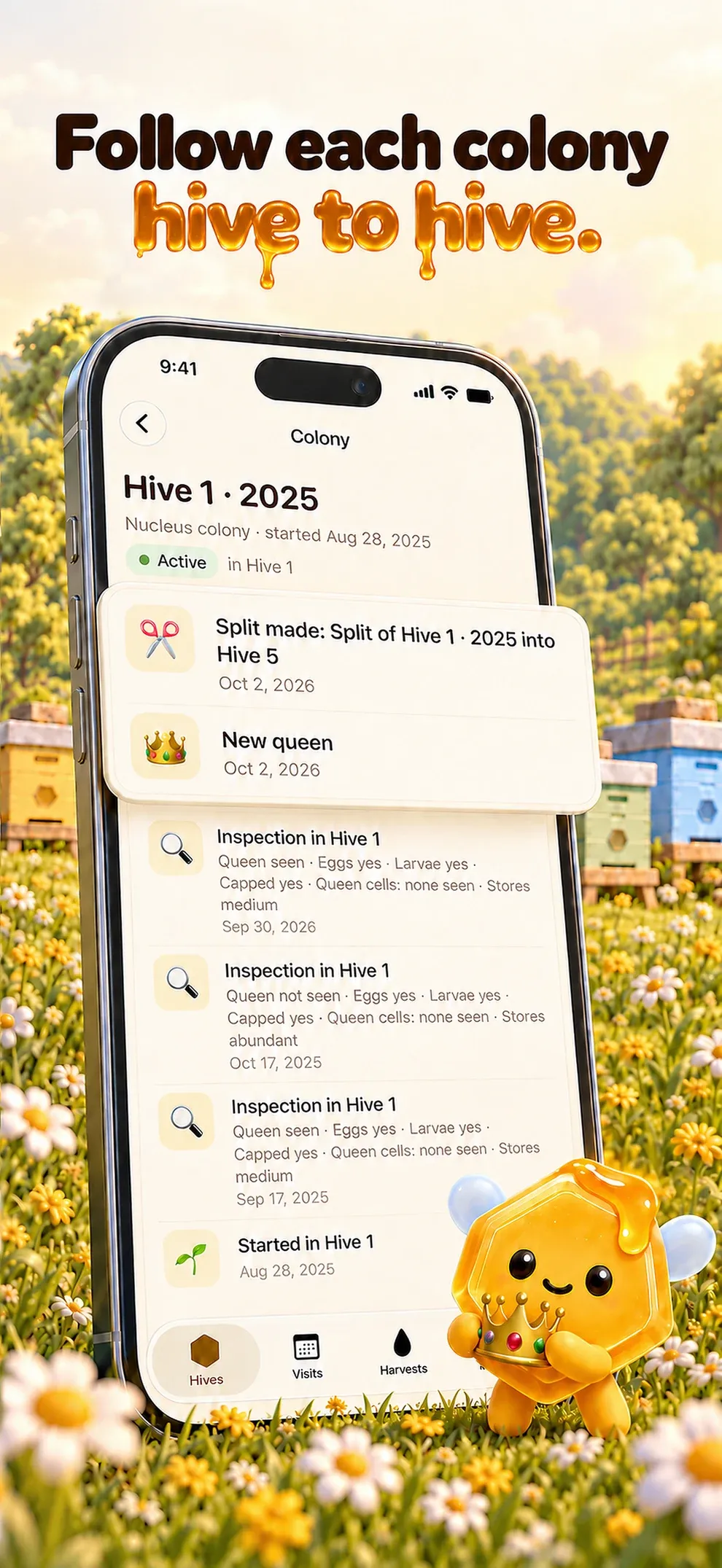
Moves, splits, new queens, swarms and losses on one timeline that follows the bees from hive to hive.
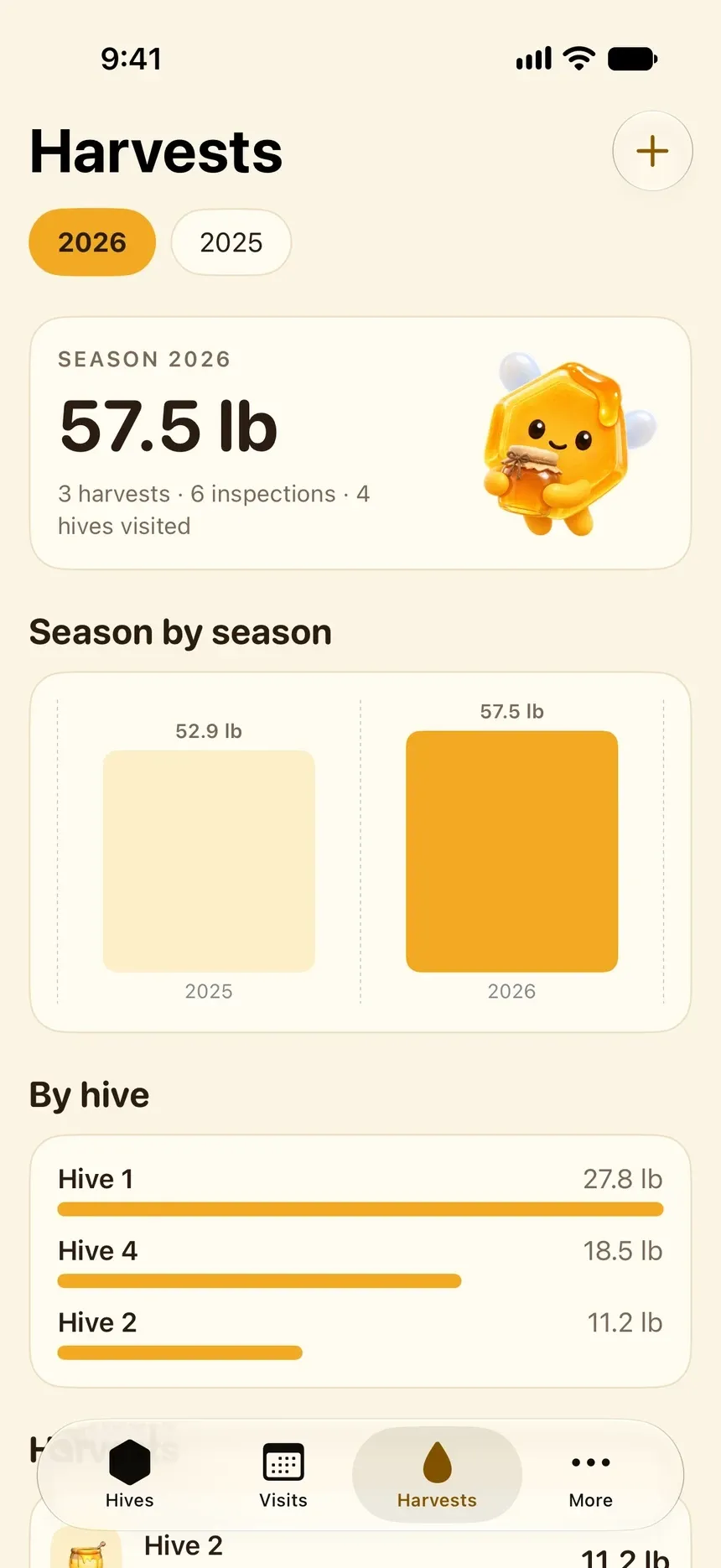
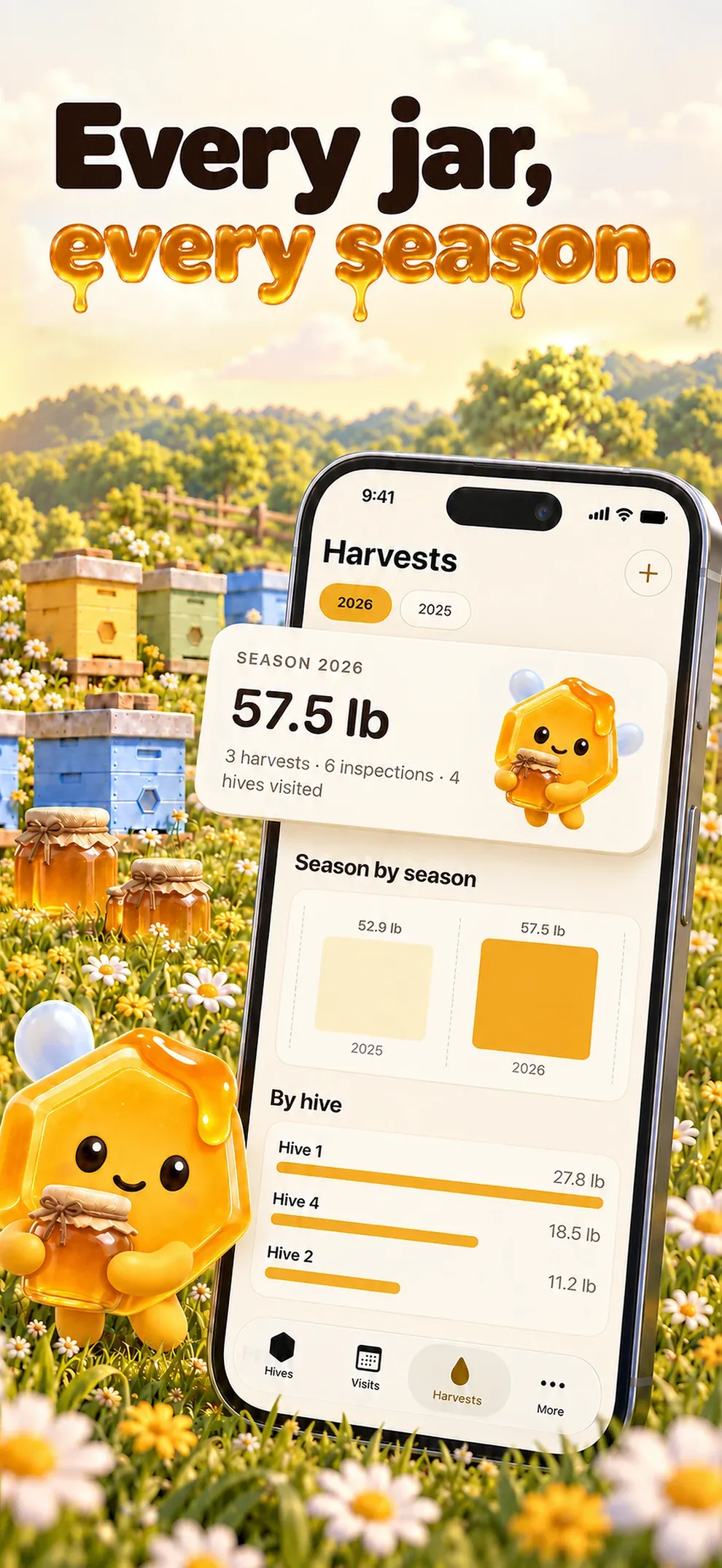
Honey by hive and by season, in kilograms or pounds, with season reports as PDF and CSV.
Print a label for each box; scan it and the hive opens, ready for a new inspection.
Waxley at a glance.
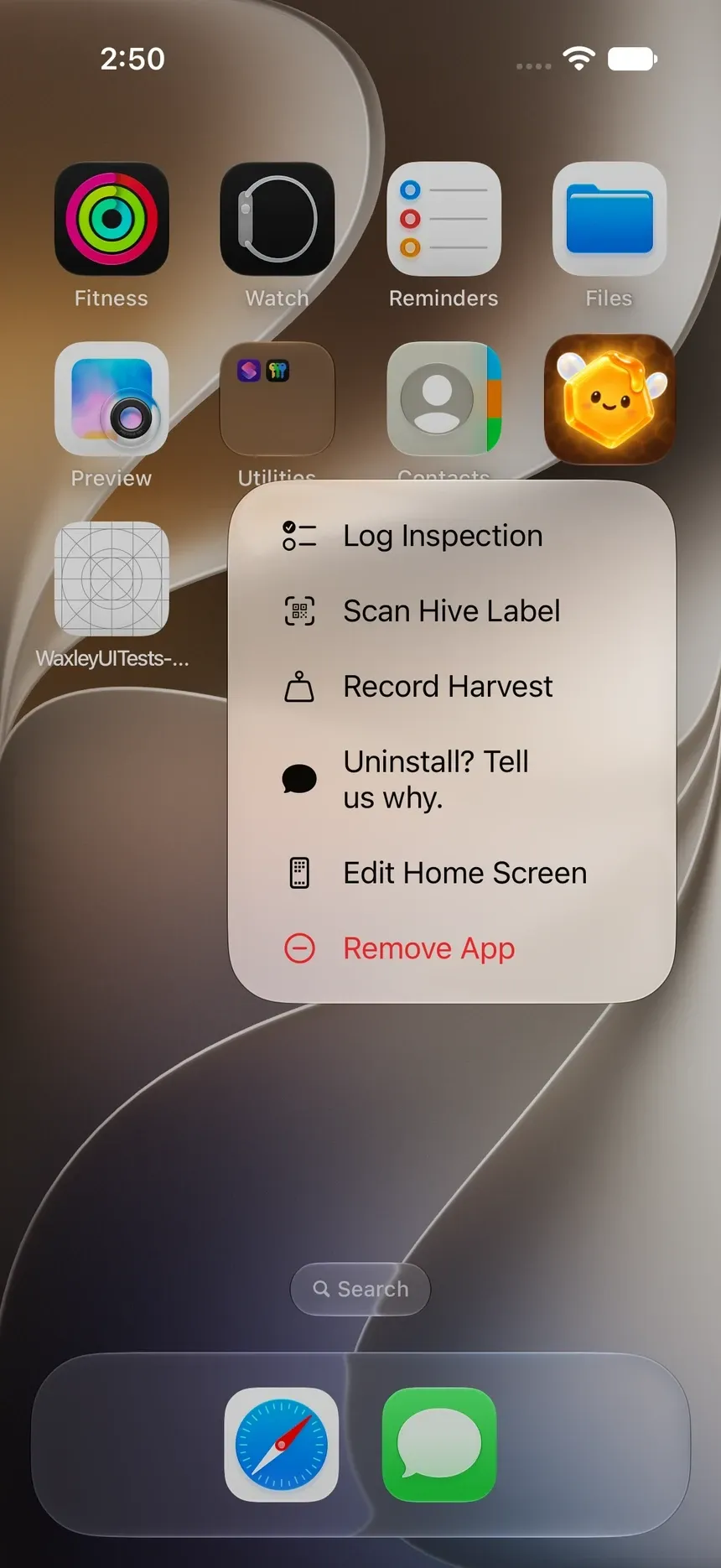
On your Home Screen.
Waxley does not wait for you to open it.
- Quick Actions
- Press and hold the icon: Log Inspection, Scan Hive Label, Record Harvest.
- Notification
- The re-check you set, at the time you chose, with the hive it is for.
How Waxley works.
Waxley is for the beekeeper who keeps their own hives. Walk into each visit knowing what changed since the last one: record what you see in a minute, set a re-check before you close the lid, and follow each colony through moves, splits and new queens.
- Open
Start from the last visit
Each hive shows its last inspection, its colony and the re-check you set, with the apiary weather.
- Inspect
One minute, gloves on
Queen, eggs, larvae, capped brood, queen cells and stores, with "Not seen" kept apart from "Not checked".
- Close
Set the re-check
Choose the days before you close the lid; the reminder comes at the time you picked.
- Season
Count the honey
Harvests by hive and by season, in kilograms or pounds, with PDF and CSV reports.
What stays yours.
Your hives, visits and harvests stay on your iPhone.
On your iPhone
Only youApiaries, hives, colonies, inspections, harvests, photos and notes
Synced only through your private iCloud.
With Apple and RevenueCat
Never your payment detailsPurchase status
With Lucernel
Never your recordsAnonymous usage events, crash reports and the emails you send us
- No Lucernel account
- No ads
- No data sold
 Free tool, no downloadBee brood timeline calculatorChoose worker, queen or drone, and whether you saw eggs or capped cells. You get the days when the cells are capped and when the bees emerge.Open the tool
  Works in your browser. Nothing to sign up for.
Questions.
Is Waxley on the App Store?
Waxley is in development. This page will link to the App Store as soon as it is released.
Does Waxley need an account?
Waxley has no email-and-password account.
How much does Waxley cost?
Waxley needs a weekly (US$6.99) or yearly (US$59.99) auto-renewing subscription. There is no free trial. Prices in other countries are shown in the app before purchase.
Where does Waxley store my data?
Waxley is local-first: your beekeeping log stays on your iPhone and syncs through your own private iCloud. There is no Lucernel account and no Lucernel server holding your records.
How do I get help with Waxley?
Email support@lucernel.com or open the Waxley support page. Privacy and deletion requests go to privacy@lucernel.com.
Waxley
A beekeeping log for every hive and every visit.
Noted. Every tap tells us how many people want Waxley on Android.

