






















Mobile appFaith
Renounce
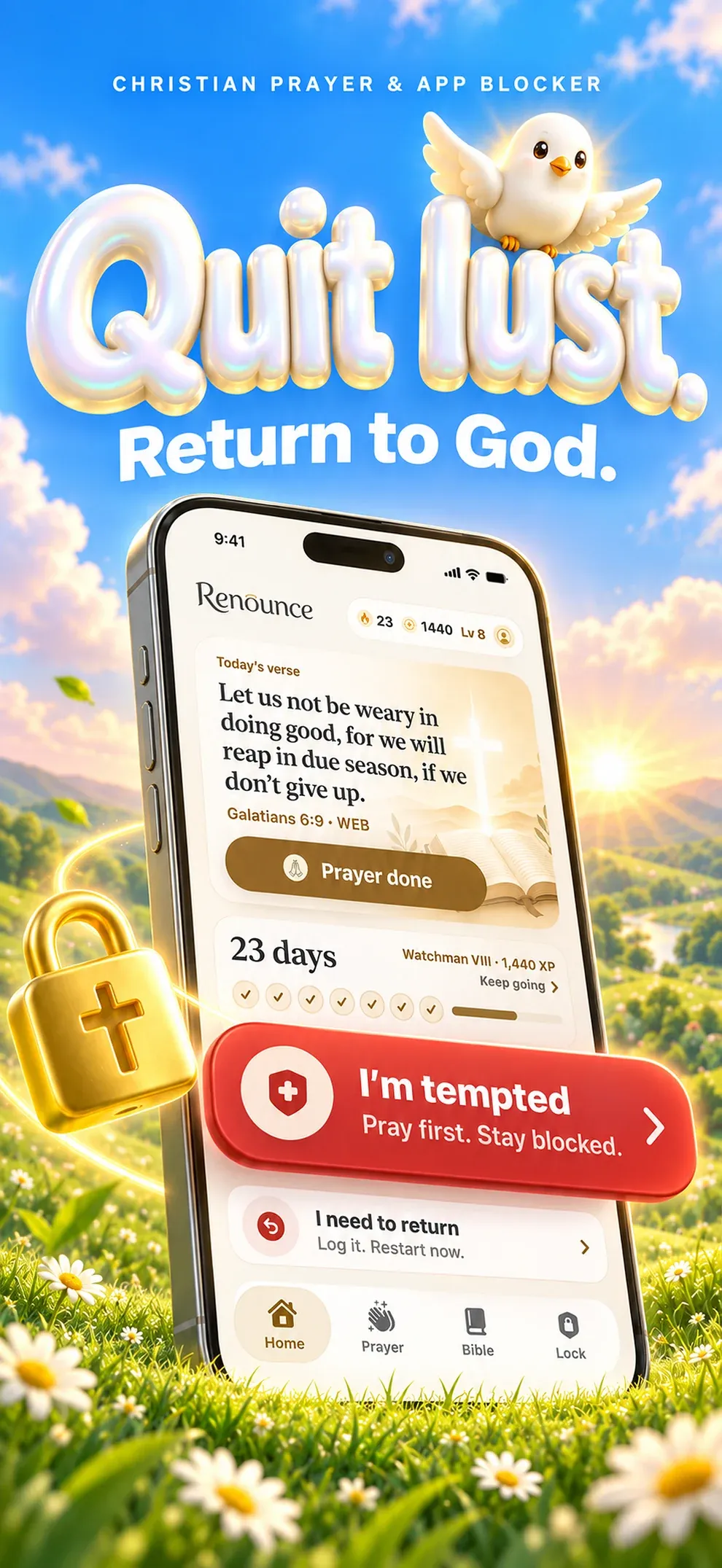
Quit lust. Return to God.
Noted. Every tap tells us how many people want Renounce on Android.
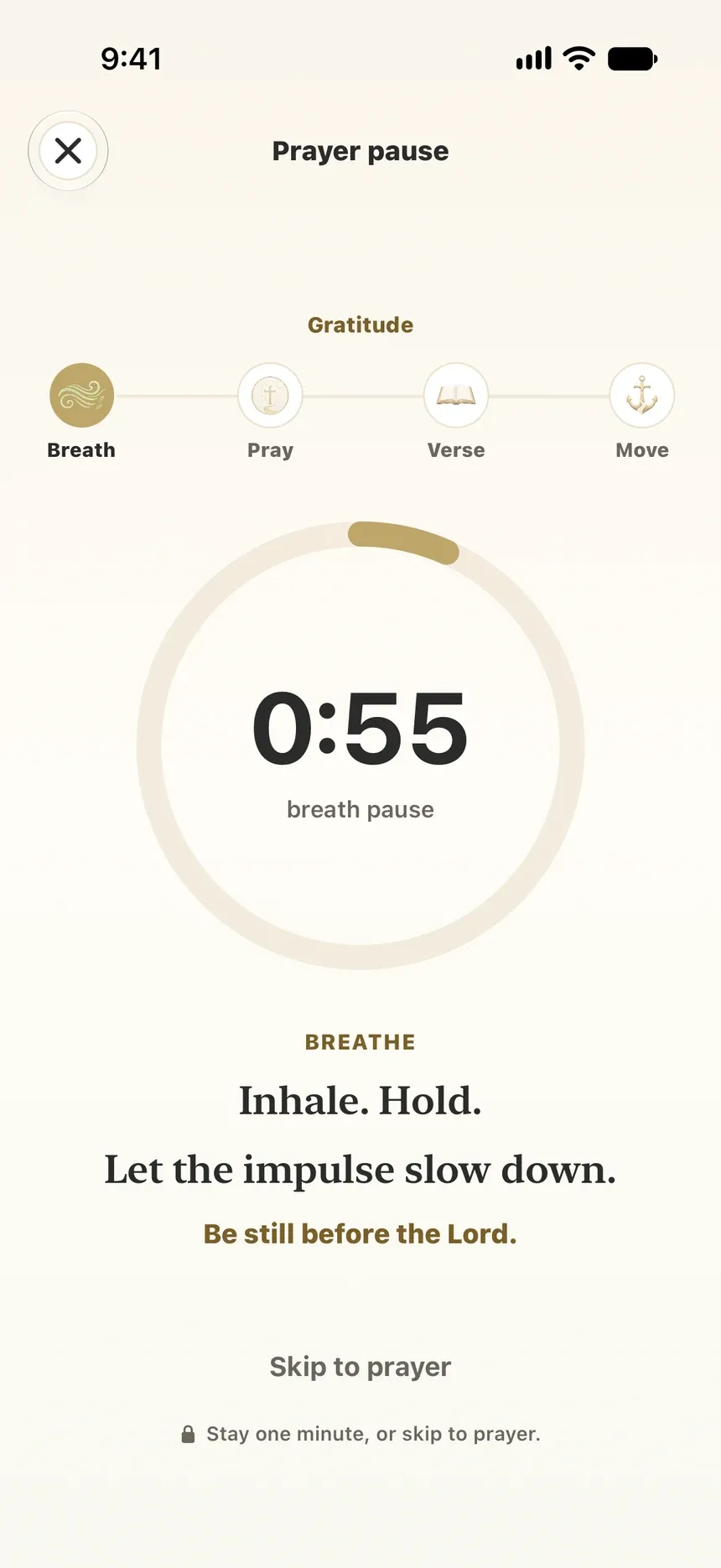
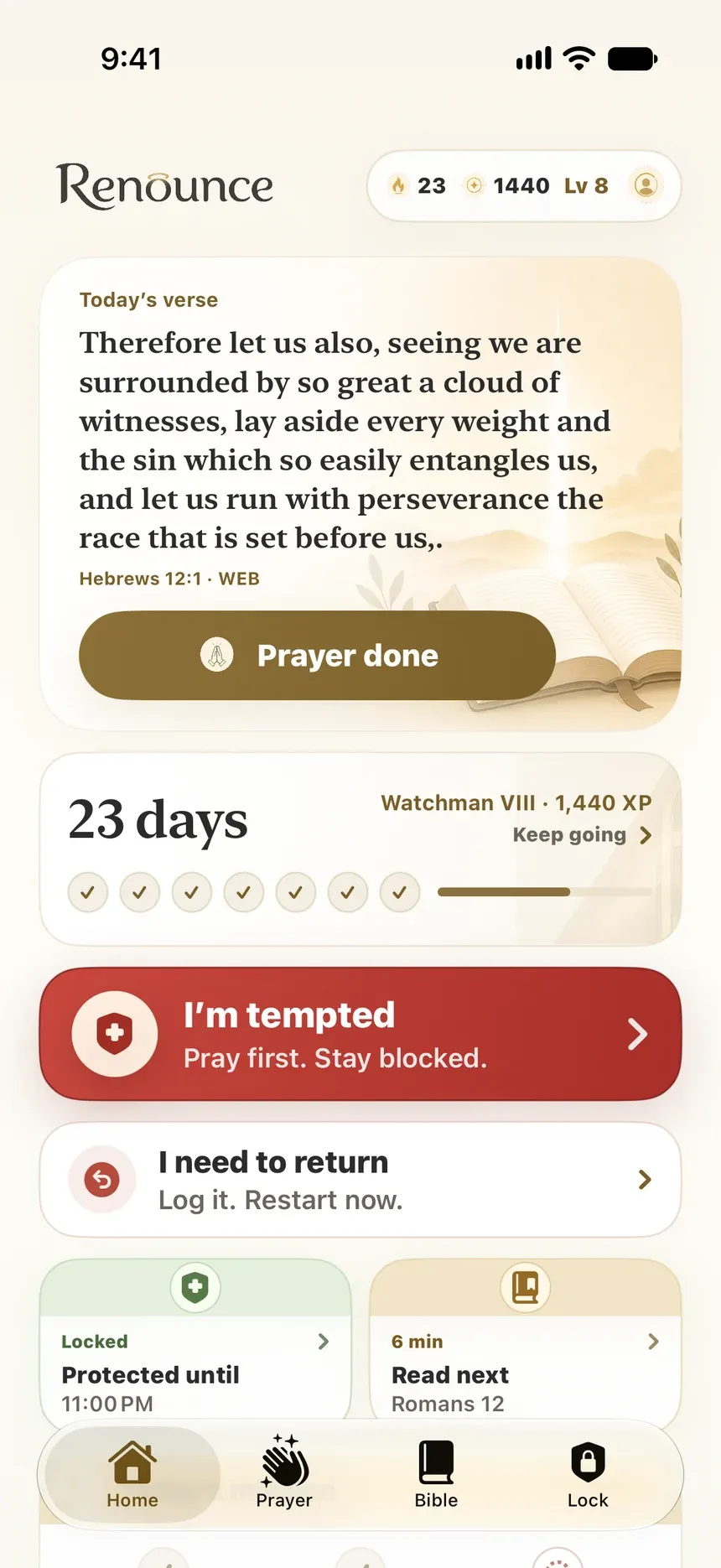
A Christian app to quit lust on iPhone: SOS for the moment of temptation, a prayer pause before locked apps, the Bible and clean-day streaks.
What Renounce does.
Renunciation and return, not shame tracking.
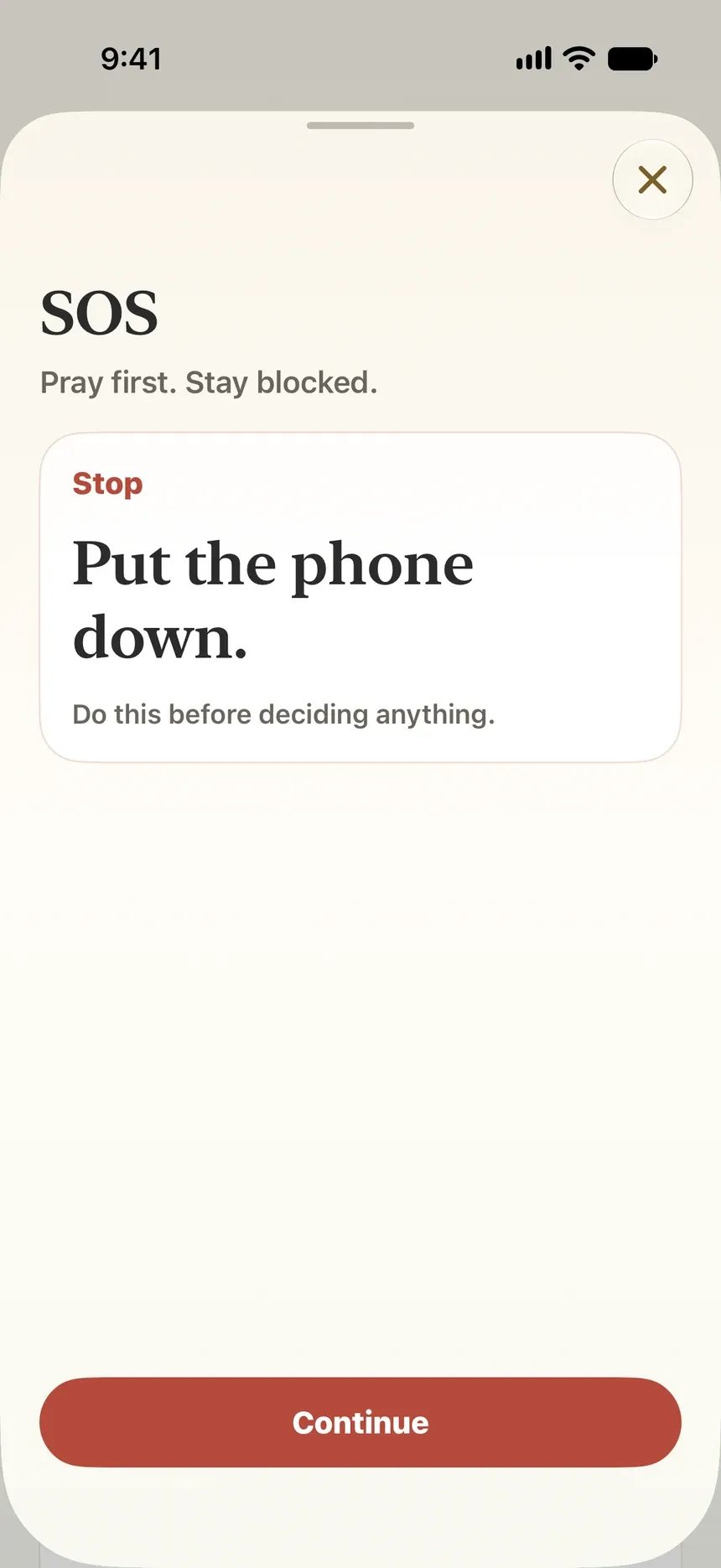
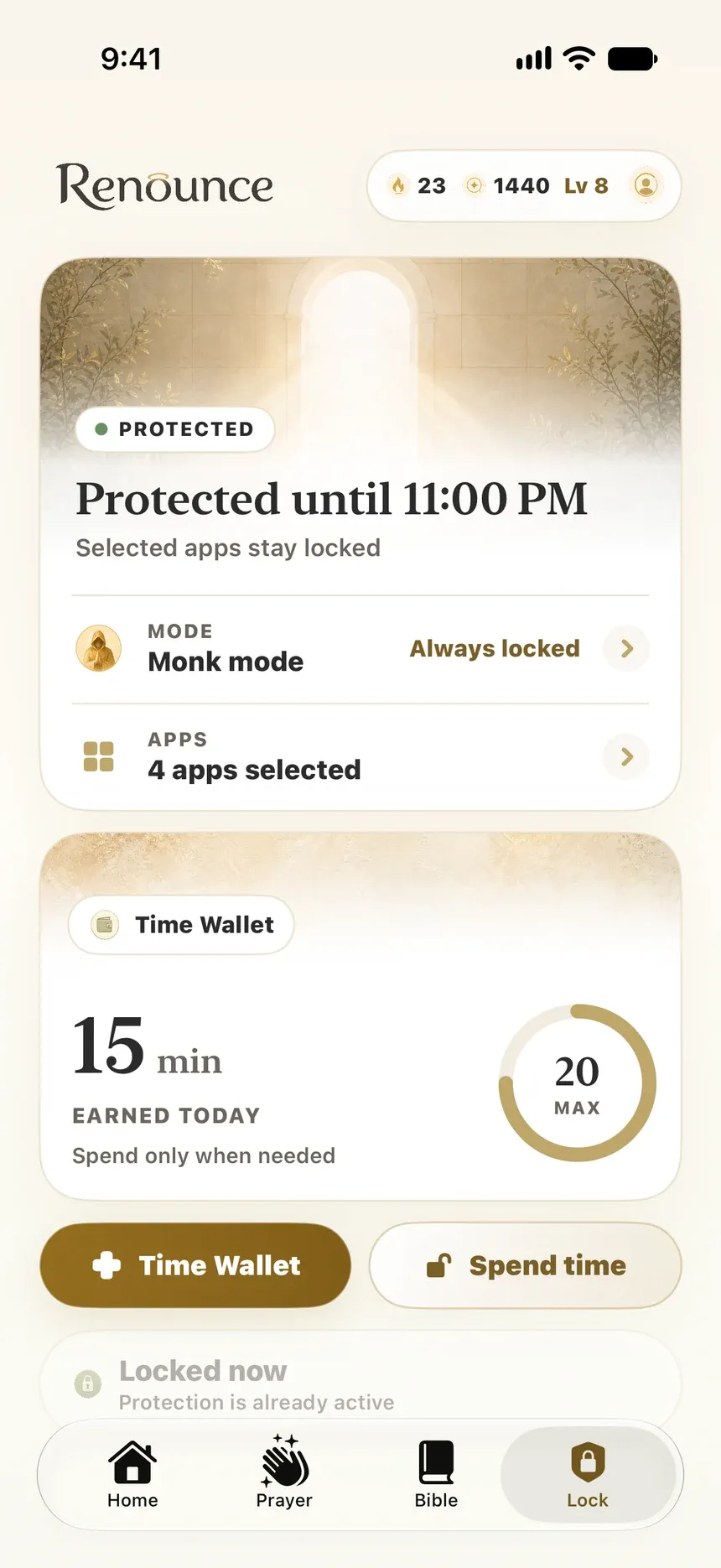
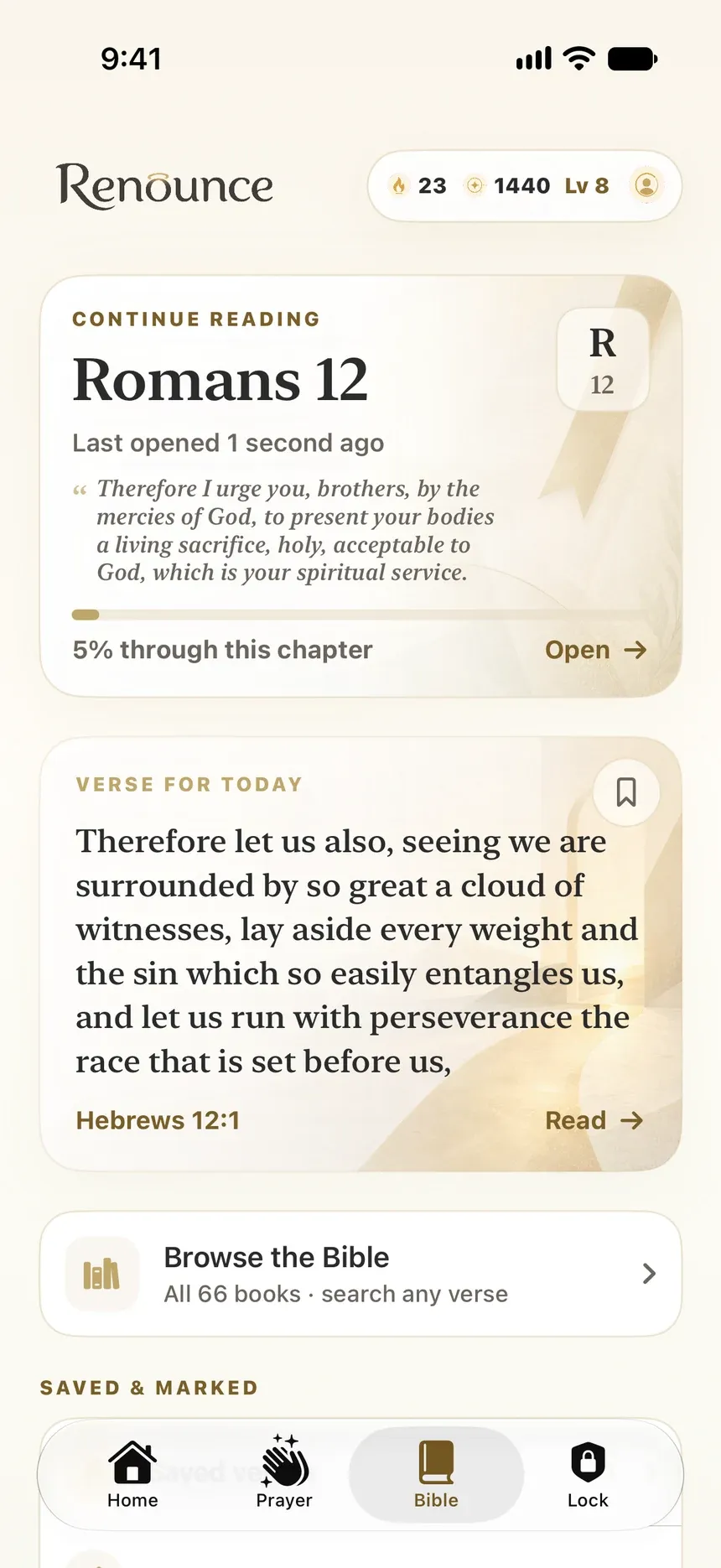
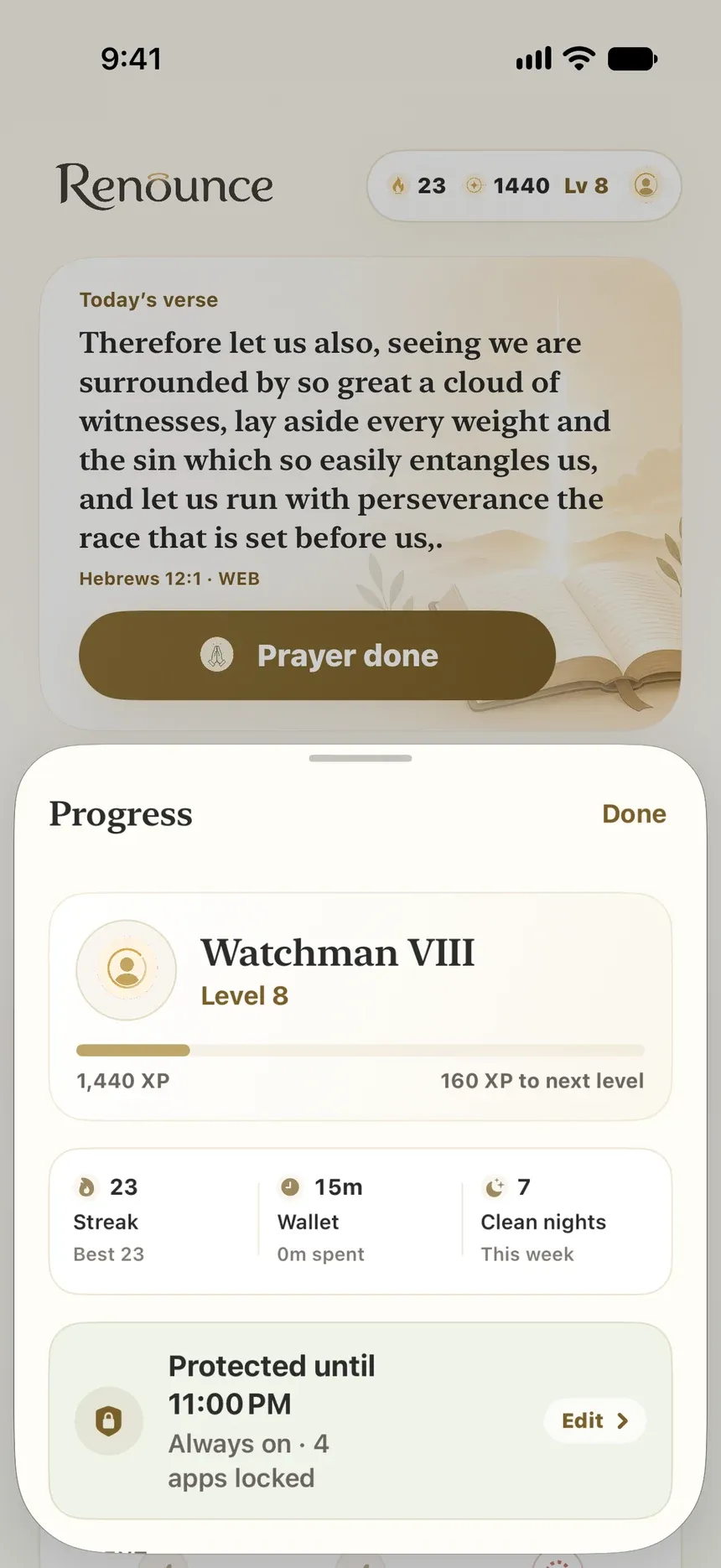
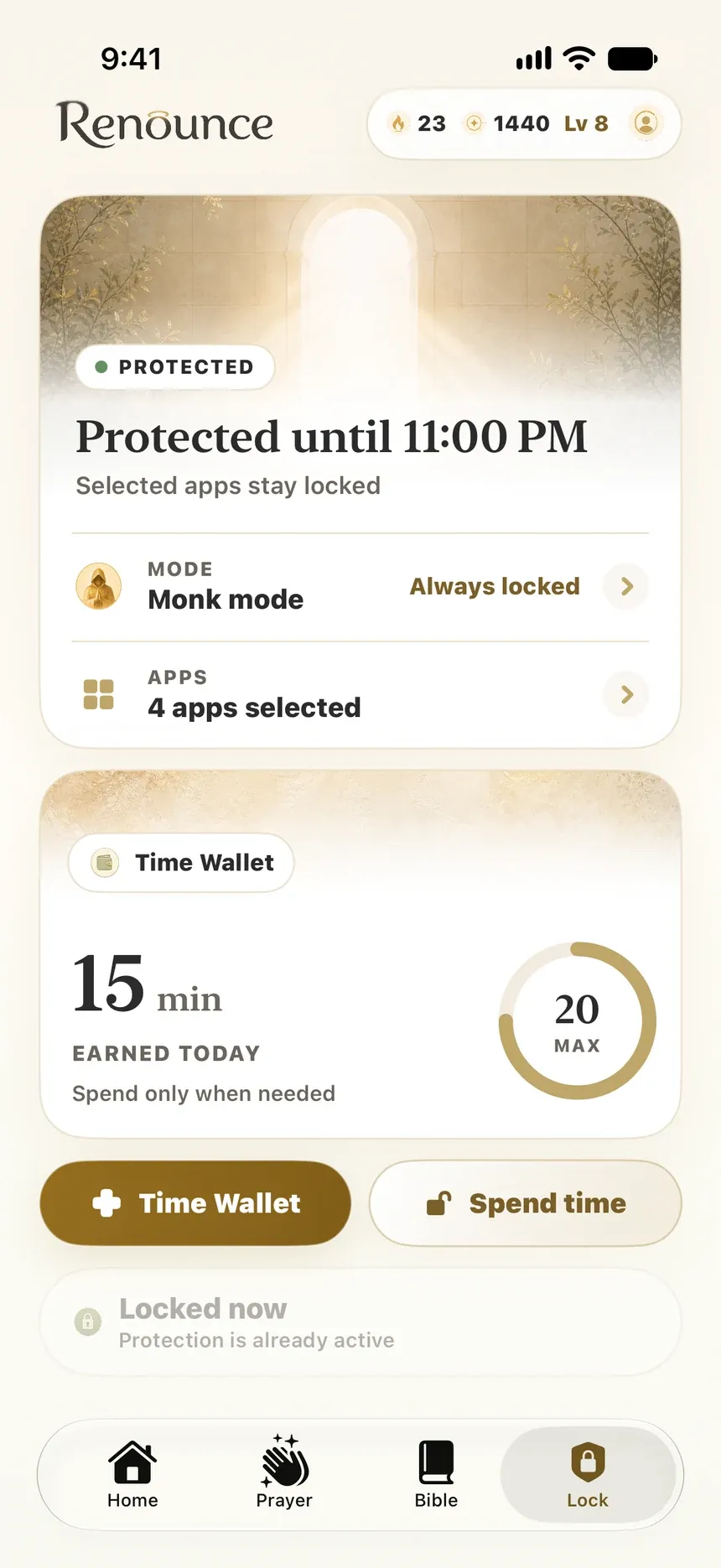
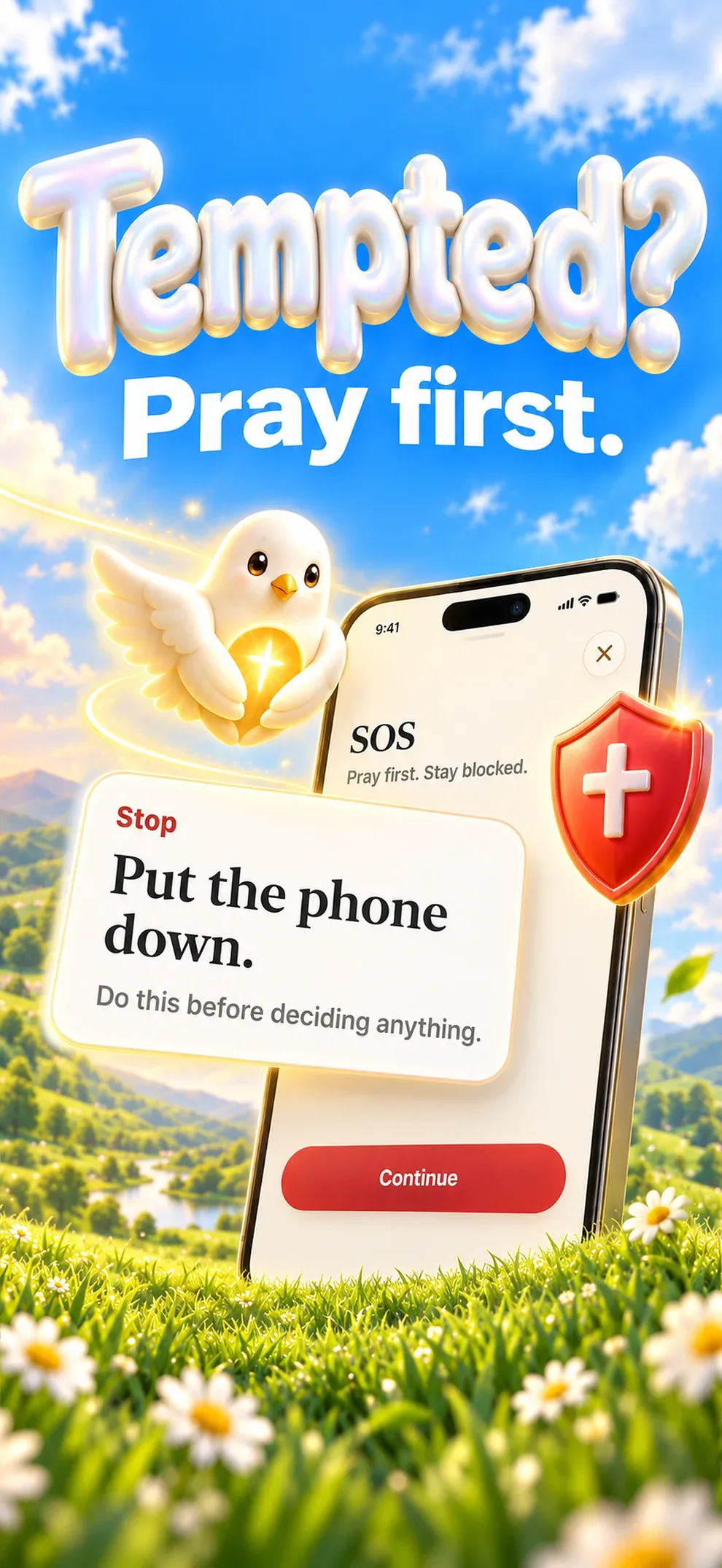
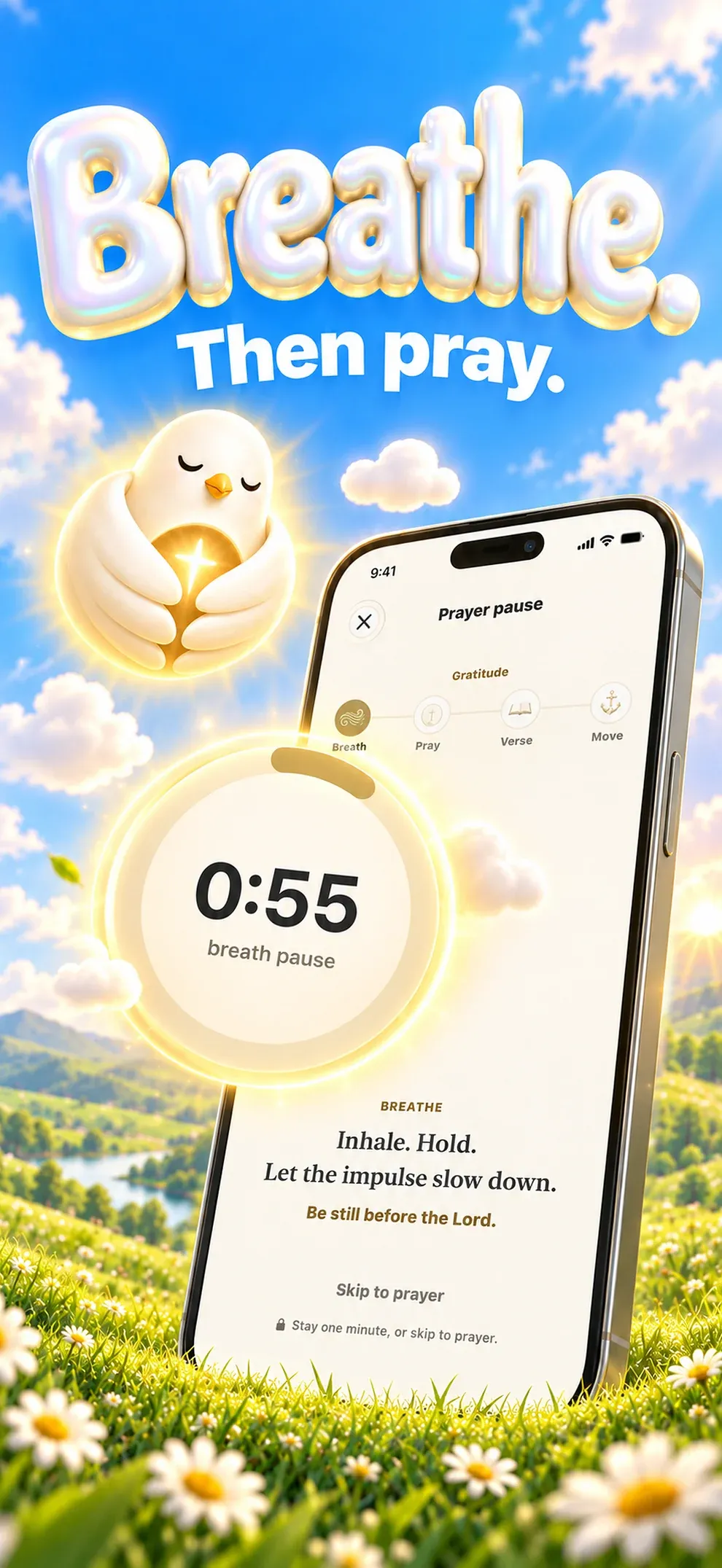
“I’m tempted” opens a stop screen, a breath pause and a prayer before anything else.
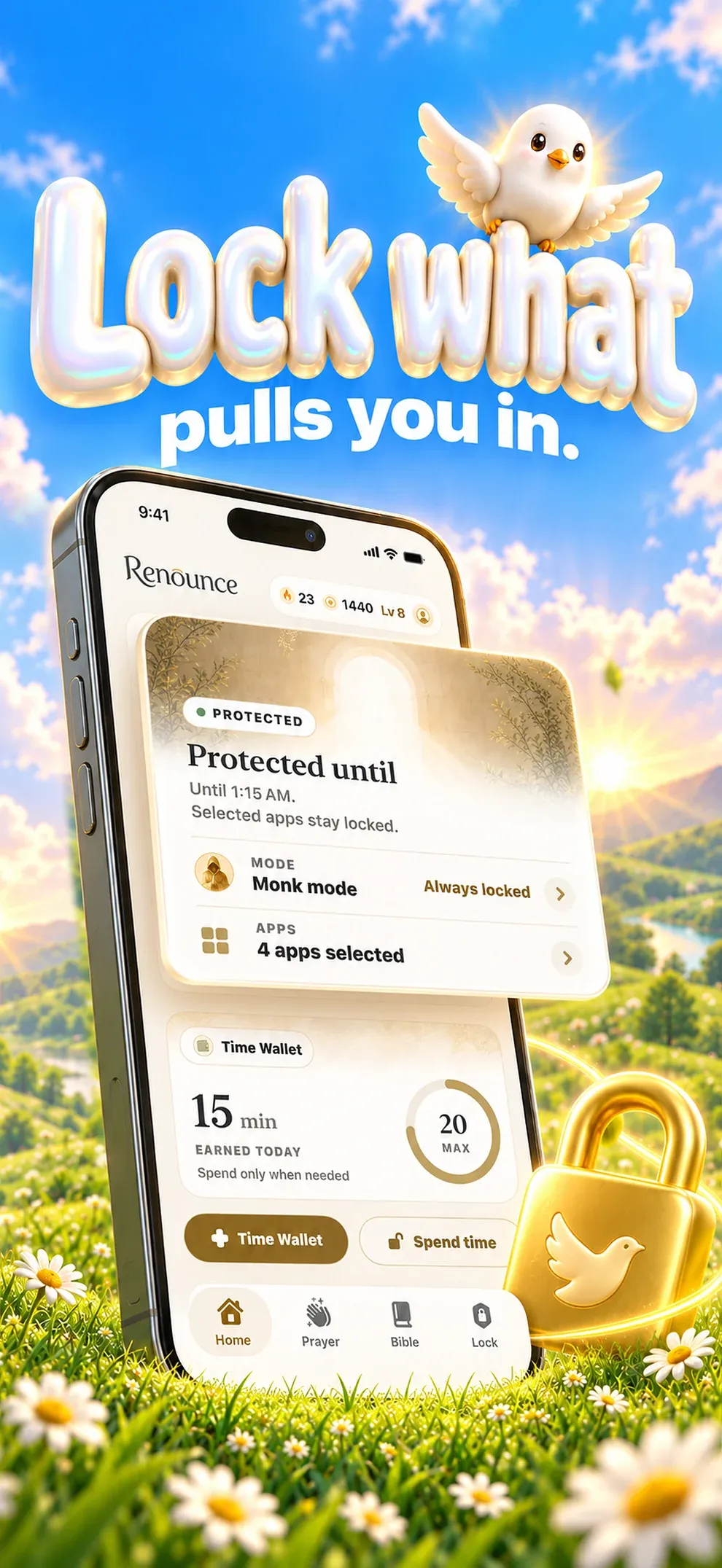
Screen Time keeps the apps you chose locked: Monk mode all day, or only at the hours you set.
All 66 books, a verse for each day, saved verses, highlights and notes.
Your streak, clean nights and XP levels, with a daily mission of prayer and Scripture.
Prayer and clean days earn minutes, up to a cap you set, to spend on locked apps when you need them.
Today’s verse on the Home Screen and the Lock Screen, and quick actions on the app icon.
Renounce at a glance.

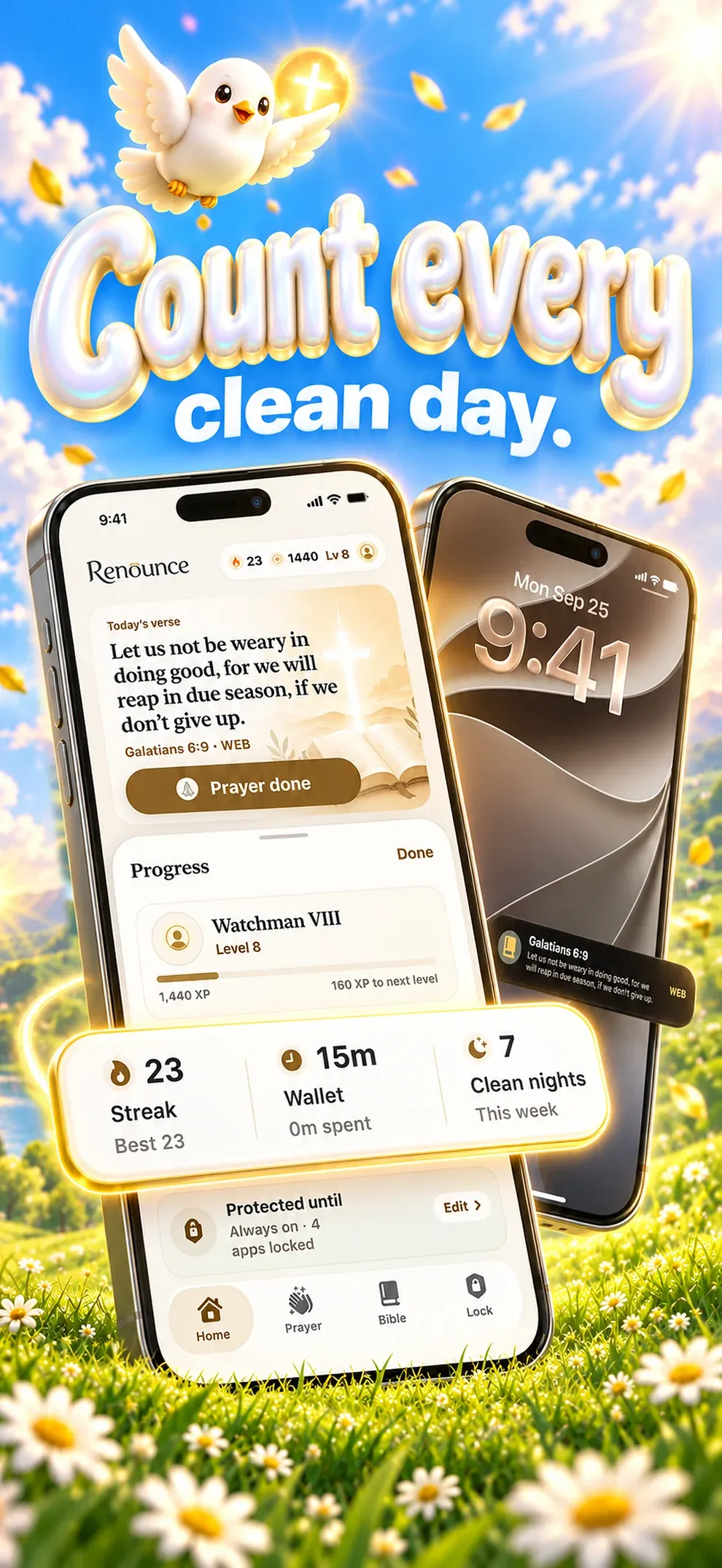
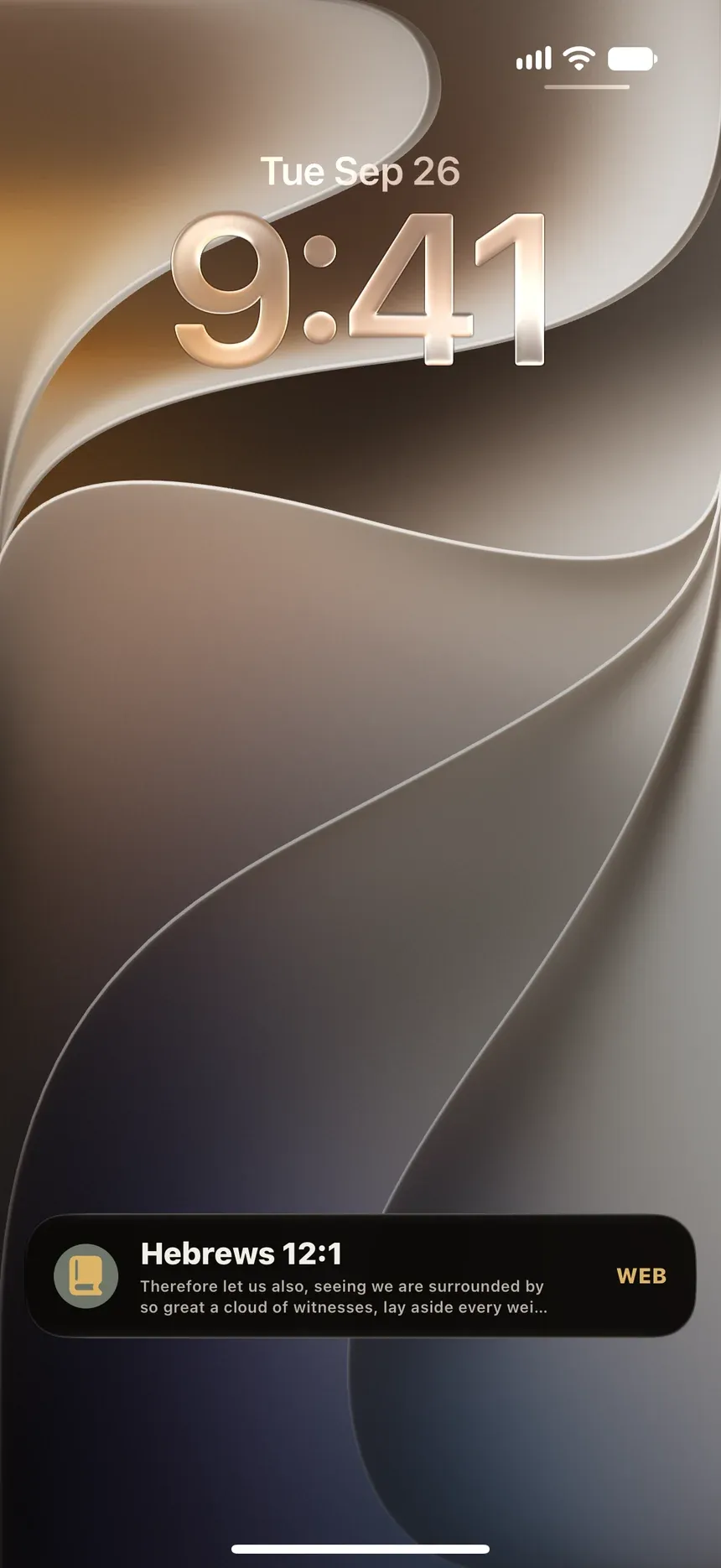
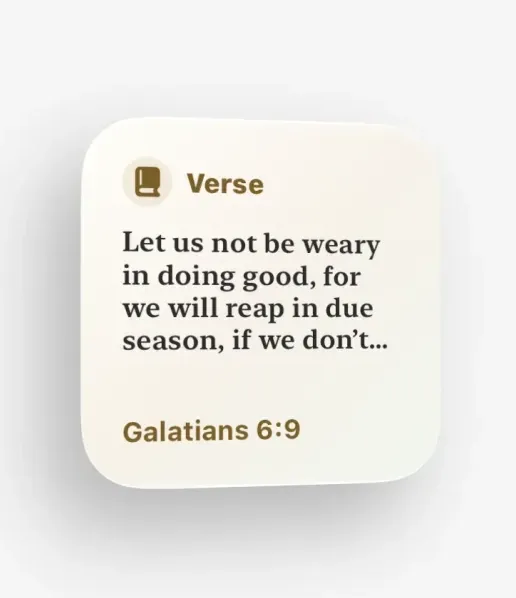
On your Lock Screen and Home Screen.
Renounce does not wait for you to open it.
- Live Activity
- Today’s verse stays on the Lock Screen.
- Widget
- Daily verse, on the Home Screen.
How Renounce works.
Renounce is built for the moment temptation gets loud. The SOS button stops you first, a breath and a prayer come next, and the apps you chose stay locked until you have prayed. Every clean day, prayer and verse counts.
- Stop
I’m tempted
One tap opens SOS: put the phone down and decide nothing yet.
- Pray
A breath, then prayer
A one-minute breath pause, a short prayer and a verse for the moment you are in.
- Guard
Locked until you pray
The apps and categories you chose stay locked, all day in Monk mode or on your schedule.
- Return
Log it. Restart now.
“I need to return” records a fall and starts the next clean day, without a wall of shame.
What stays yours.
Your prayers, notes and progress stay on your iPhone.
On your iPhone
Only youReturn plan, return log, streaks, saved verses, notes and reminders
Synced only through your private iCloud.
Screen Time choices are tokens only iOS can read.
With Apple and RevenueCat
Never your payment detailsPurchase status
With Lucernel
Never your recordsAnonymous usage events, crash reports and the emails you send us
- No Lucernel account
- No ads
- No data sold
 Free tool, no downloadBible verses for temptationPick what you are facing right now. You get one verse from the World English Bible and a short prayer to say with it, and a one-minute pause if the urge is still loud.Open the tool
  Works in your browser. Nothing to sign up for.
Guides about Renounce
Read before you choose.


Questions.
Is Renounce on the App Store?
Renounce is in development. This page will link to the App Store as soon as it is released.
Does Renounce need an account?
Renounce has no email-and-password account.
How much does Renounce cost?
Renounce Pro is offered as auto-renewing subscriptions. Plans, prices and renewal terms are shown in the app before purchase.
Where does Renounce store my data?
Renounce keeps your recovery data on your iPhone, with sync through your own private iCloud. There is no Lucernel account and no Lucernel server holding your prayers, notes or progress.
How do I get help with Renounce?
Email support@lucernel.com or open the Renounce support page. Privacy and deletion requests go to privacy@lucernel.com.
Renounce
Prayer-first recovery and focus.
Noted. Every tap tells us how many people want Renounce on Android.

